Start here
Install
Orca is a plugin for Obsidian for desktop, tablets, and phones. It needs Obsidian 1.7.2 or later.
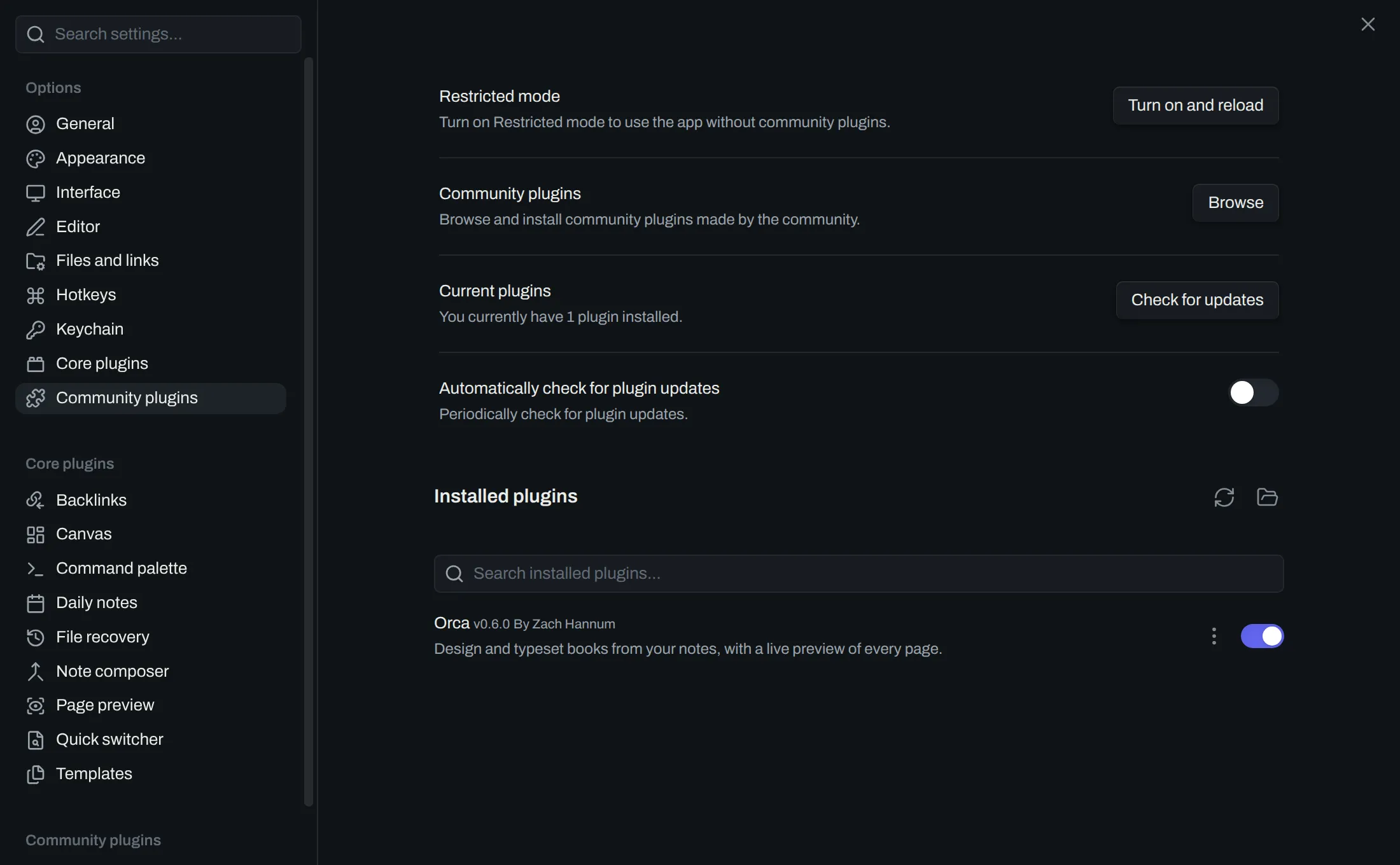
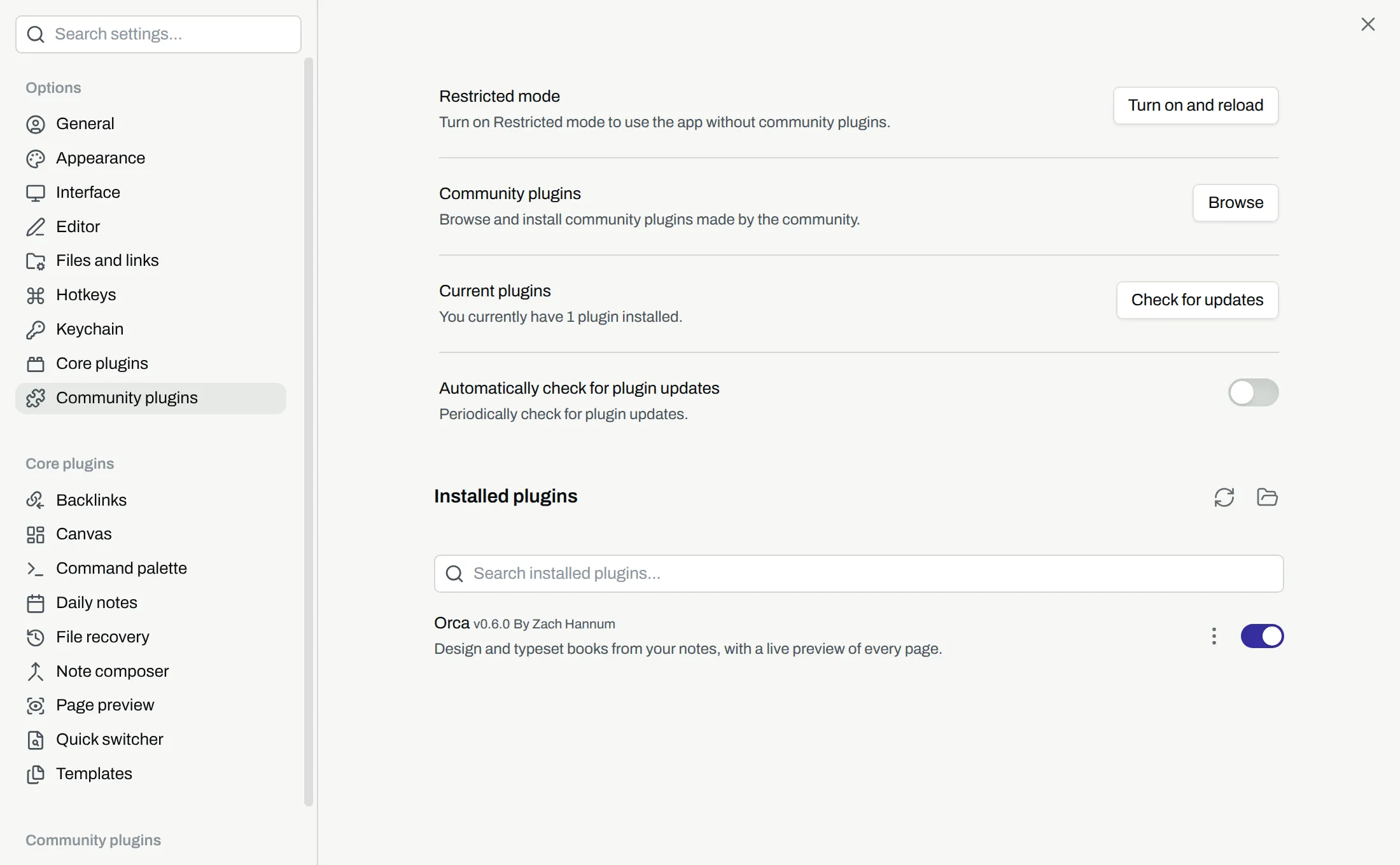
Install orca
Section titled “Install orca”- Open
Settings. - Open
Community plugins. - If community plugins are off, select
Turn on community plugins. - Select
Browse. - Search for
Orca. - Select
Orcain the results. - Select
Install. - Select
Enable.
The ribbon then shows Open Orca. The menu for a folder in the file tree then has Create book from these notes. Next, read Anatomy of orca to learn the parts of orca.
Install another version
Section titled “Install another version”BRAT is a community plugin that installs a plugin from its GitHub repository. With BRAT, you can install a version of orca that is not the one in the list of community plugins. The repository to give BRAT is zachhannum/obsidian-orca.