Design
Page breaks
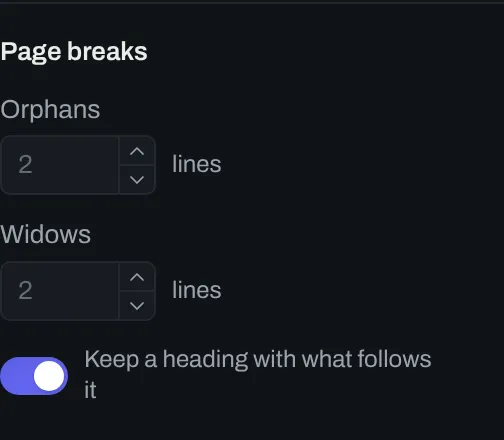
The Page breaks group in the design panel sets where a paragraph can break across two pages.
Controls
Section titled “Controls”| # | Control | Default | Key |
|---|---|---|---|
| 1 | Orphans | 2 lines | body-orphans |
| 2 | Widows | 2 lines | body-widows |
| 3 | Keep a heading with what follows it | on | keep-heading-with-text |
Orphans and widows
Section titled “Orphans and widows”An orphan is a line of a paragraph alone at the foot of a page. A widow is a line of a paragraph alone at the top of a page. Orphans and Widows set the smallest number of lines that a paragraph leaves on each side of a page break.
When Keep a heading with what follows it is on, a heading does not end a page.