Markdown
Orca reads the Markdown that you write in Obsidian, and a few additions. With attributes in curly braces, you give a paragraph, a heading, an image or a phrase a class or an id. Then you style it with custom CSS. Orca also reads setext headings, page breaks and column breaks.
Attributes
Section titled “Attributes”{.name} adds a class, and {#name} adds an id. To add more than one, separate them with spaces, for example {.letter #invitation}. A name can use letters, digits, - and _, but it cannot start with a digit. If you add more than one id, orca uses the first.
If the braces contain anything else, orca shows a warning. In a paragraph, the braces then print as plain text. A heading still prints as a heading.
Attributes do not change the page by themselves. A rule in the book’s custom CSS gives the element its style.
Paragraphs and other blocks
Section titled “Paragraphs and other blocks”To style a paragraph, a quote or another block, put attributes on the line above it. A blank line between the two is allowed. If no block comes after the attributes, orca prints them as text and shows a warning.
Attributes above a row of dashes apply to the scene break.
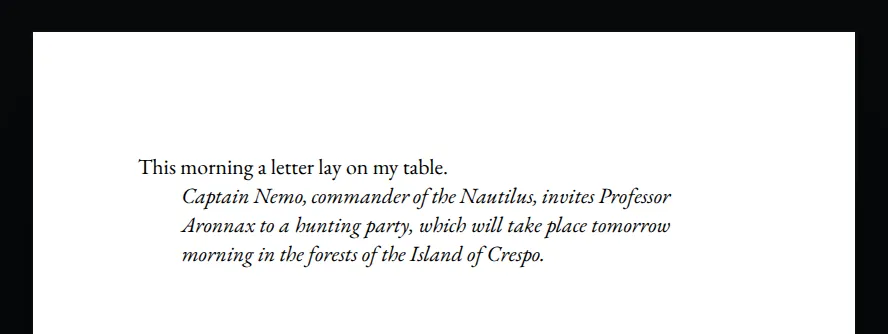
This morning a letter lay on my table.

{.letter}

Captain Nemo, commander of the Nautilus, invites Professor Aronnax to a hunting party, which will take place tomorrow morning in the forests of the Island of Crespo.
.letter {
font-style: italic;
margin: 0 2em;
text-indent: 0;
}
Headings
Section titled “Headings”To style a heading, put attributes at the end of its line.
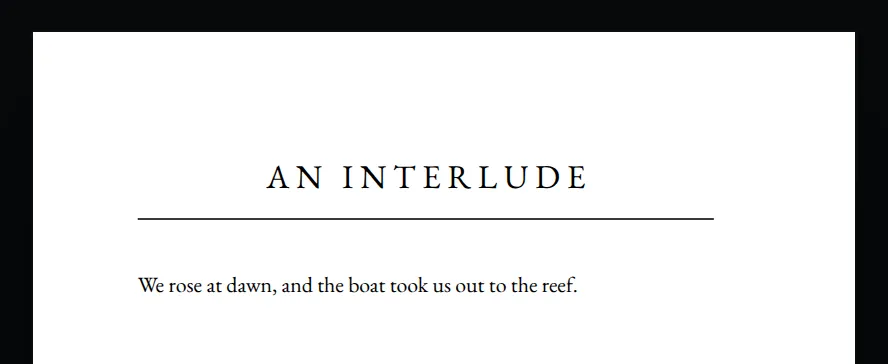
# An Interlude {.interlude}

We rose at dawn, and the boat took us out to the reef.h1.interlude {
font-weight: normal;
letter-spacing: 0.2em;
text-transform: uppercase;
border-bottom: thin solid;
padding-bottom: 0.5em;
margin-bottom: 1.5em;
}
Images
Section titled “Images”To style an image, put attributes directly after it, on the same line. Attributes on the next line apply to the block that comes after them.
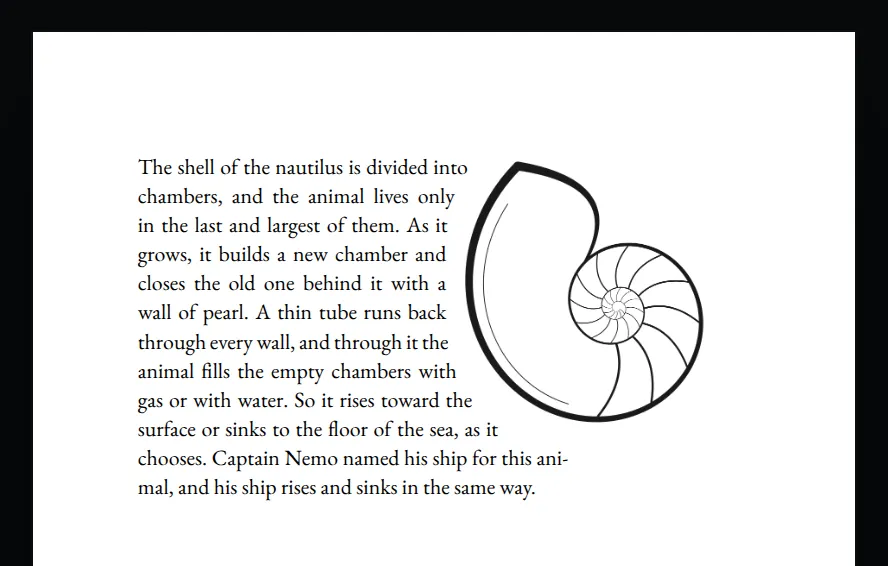
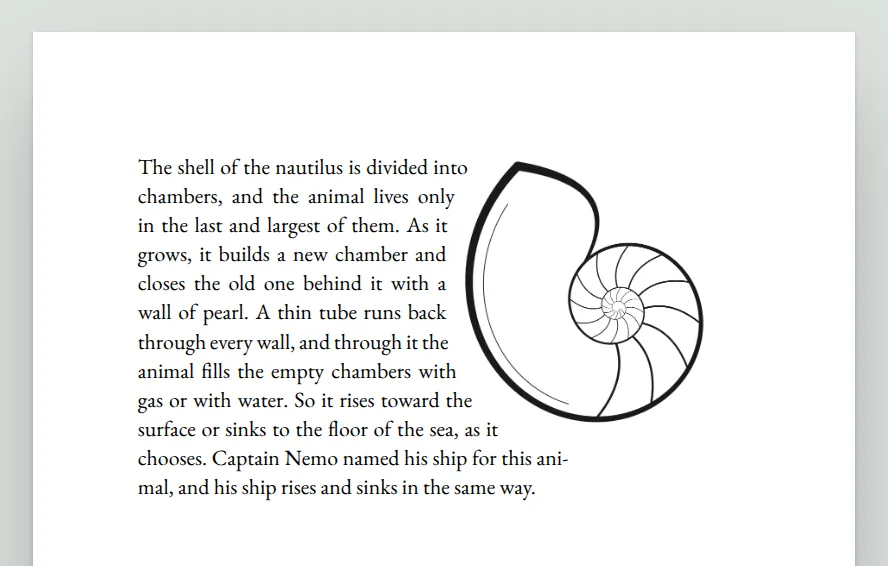
This example puts the shell in the top right corner of the page, and the text wraps around its outline.
![[nautilus.png]]{.shell}

The shell of the nautilus is divided into chambers, and the animal lives only in the last and largest of them. As it grows, it builds a new chamber and closes the old one behind it with a wall of pearl. A thin tube runs back through every wall, and through it the animal fills the empty chambers with gas or with water. So it rises toward the surface or sinks to the floor of the sea, as it chooses. Captain Nemo named his ship for this animal, and his ship rises and sinks in the same way.
.shell {
position: absolute;
top: 0;
right: 0;
width: 45%;
wrap-flow: start;
shape-outside: auto;
shape-margin: 9pt;
}
Phrases
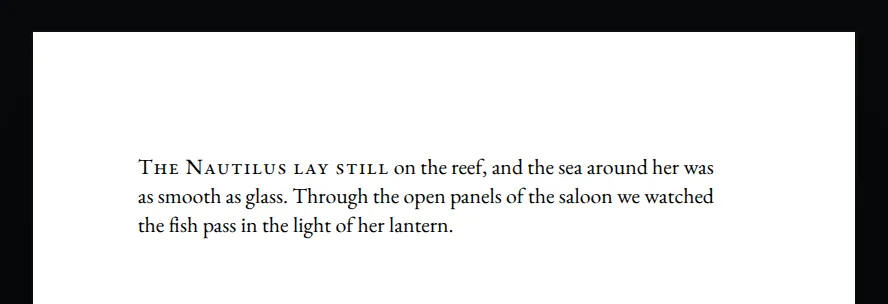
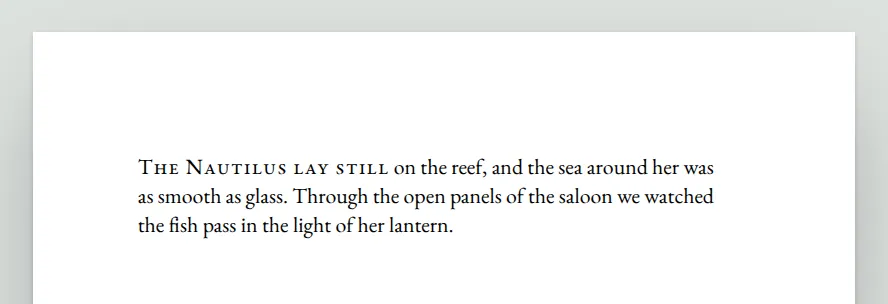
Section titled “Phrases”To style a few words, put square brackets around them and attributes directly after the closing bracket. The words must be on one line of the note. To put a bracket in the words, escape it with a backslash, for example [Nautilus \[II\]]{.ship}.
[The Nautilus lay still]{.lead-in} on the reef, and the sea around her was as smooth as glass. Through the open panels of the saloon we watched the fish pass in the light of her lantern..lead-in {
font-variant-caps: small-caps;
letter-spacing: 0.05em;
}
Setext headings
Section titled “Setext headings”To make a level 1 heading, underline its text with a row of =. For a level 2 heading, use a row of -. A setext heading can break across lines on the page. End each line but the last with a backslash, and underline the last line. Without the backslash, orca joins the lines into one.
The Coral\
Kingdom
=======

We walked for an hour over the floor of the sea.

A Grave\
in the Coral
------------

The men laid their comrade there.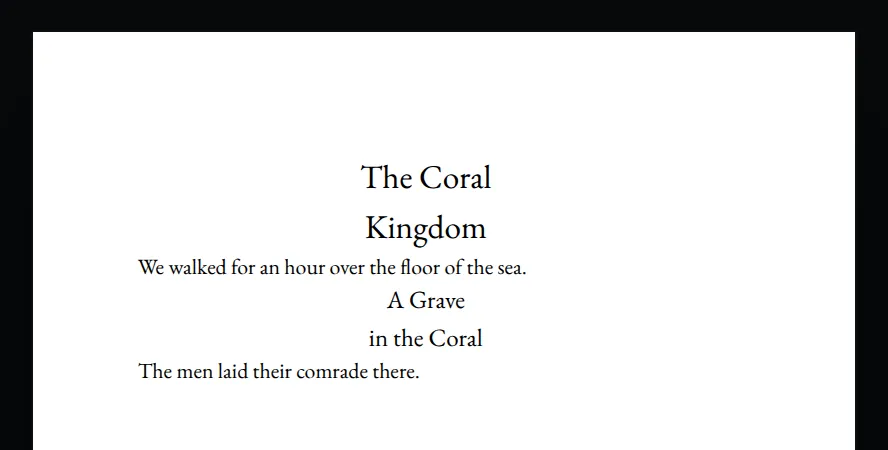
Page breaks
Section titled “Page breaks”\pagebreak starts a new page. Put it on a line of its own, with a blank line above and below it. Anywhere else, it prints as text.
The night fell, and the Nautilus sank to her usual depth.

\pagebreak

At dawn the panels opened on the sea.
Column breaks
Section titled “Column breaks”\columnbreak starts a new column. It follows the same rules as \pagebreak.
To set the book in columns, add column-count to an @page rule in the custom CSS. On a page with one column, a column break starts a new page.
Above the waterline the Nautilus showed only her platform and her lantern.

\columnbreak

Below it she carried her engines, her stores and her library.
@page {
column-count: 2;
}What orca leaves out
Section titled “What orca leaves out”Some Obsidian Markdown does not print the way that Obsidian shows it. Orca shows a warning for each of these:
- HTML blocks and inline HTML are left out.
- A task list prints without its checkboxes.
- Math prints as plain text.
- An image inside a paragraph prints as a block after that paragraph.