Design
Fonts
The Fonts group in the design panel adds fonts to the book. Orca loads these fonts into the engine. Your custom CSS can then set text in them.

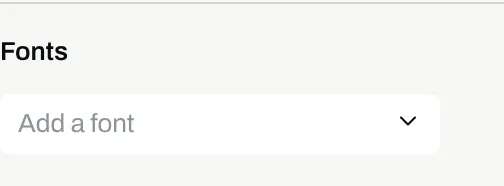
Add a font
Section titled “Add a font”- In the Fonts group, select
Add a font. - Type part of the name of the font. The list shows the fonts on this machine and the fonts in the
fontsfolder of the vault. - Select the font in the list.
On Android, the list shows only the vault’s fonts.
Set text in the font
Section titled “Set text in the font”In the CSS view of the panel, set font-family to the font:
section.dedication p {
  font-family: "Alegreya";
}
A font this machine does not have
Section titled “A font this machine does not have”If you open the book on a machine without an added font, the panel shows a warning under the groups:
Missing font: Alegreya