The book note
The book note is a plain Markdown note. It holds the details of the book, its design, its reading order and custom CSS.
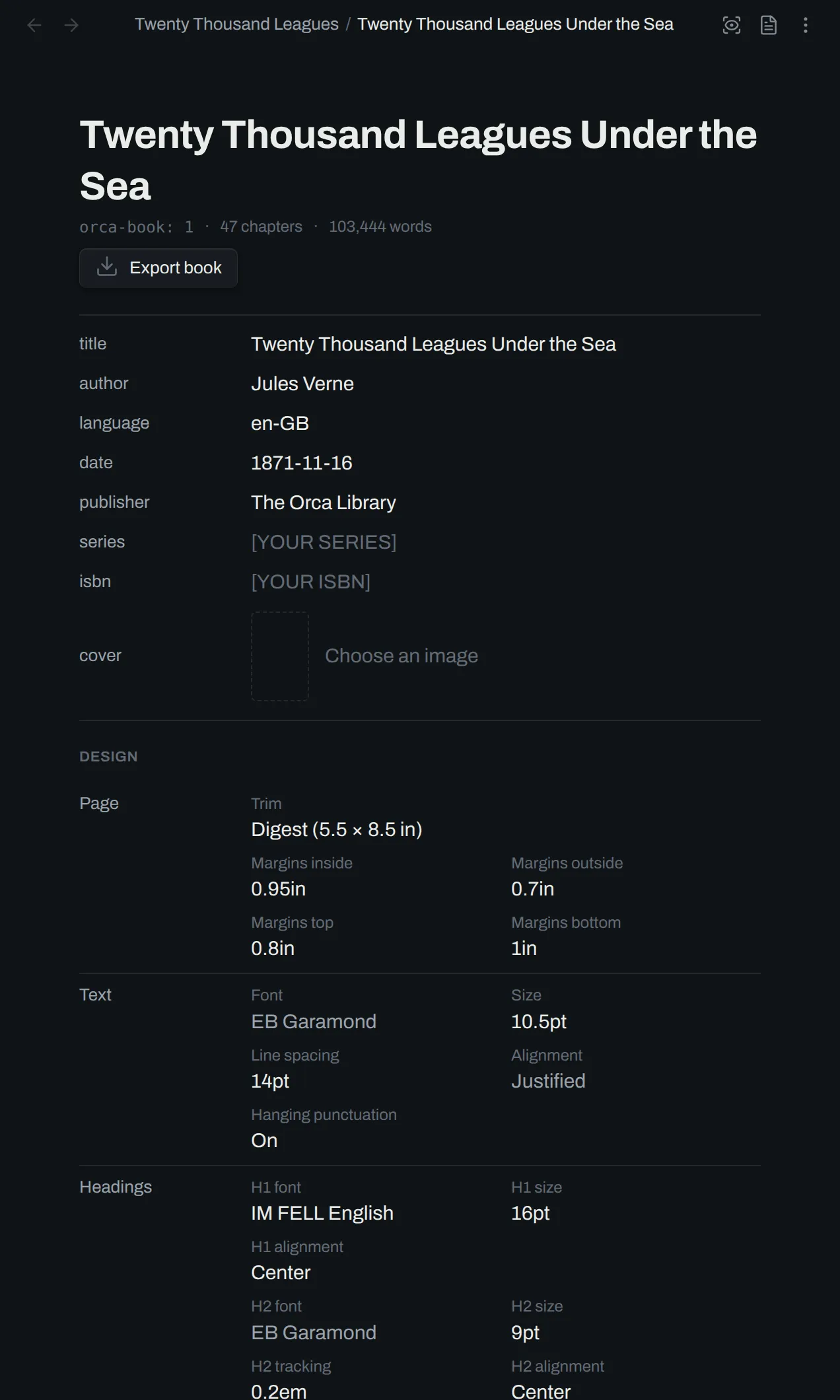
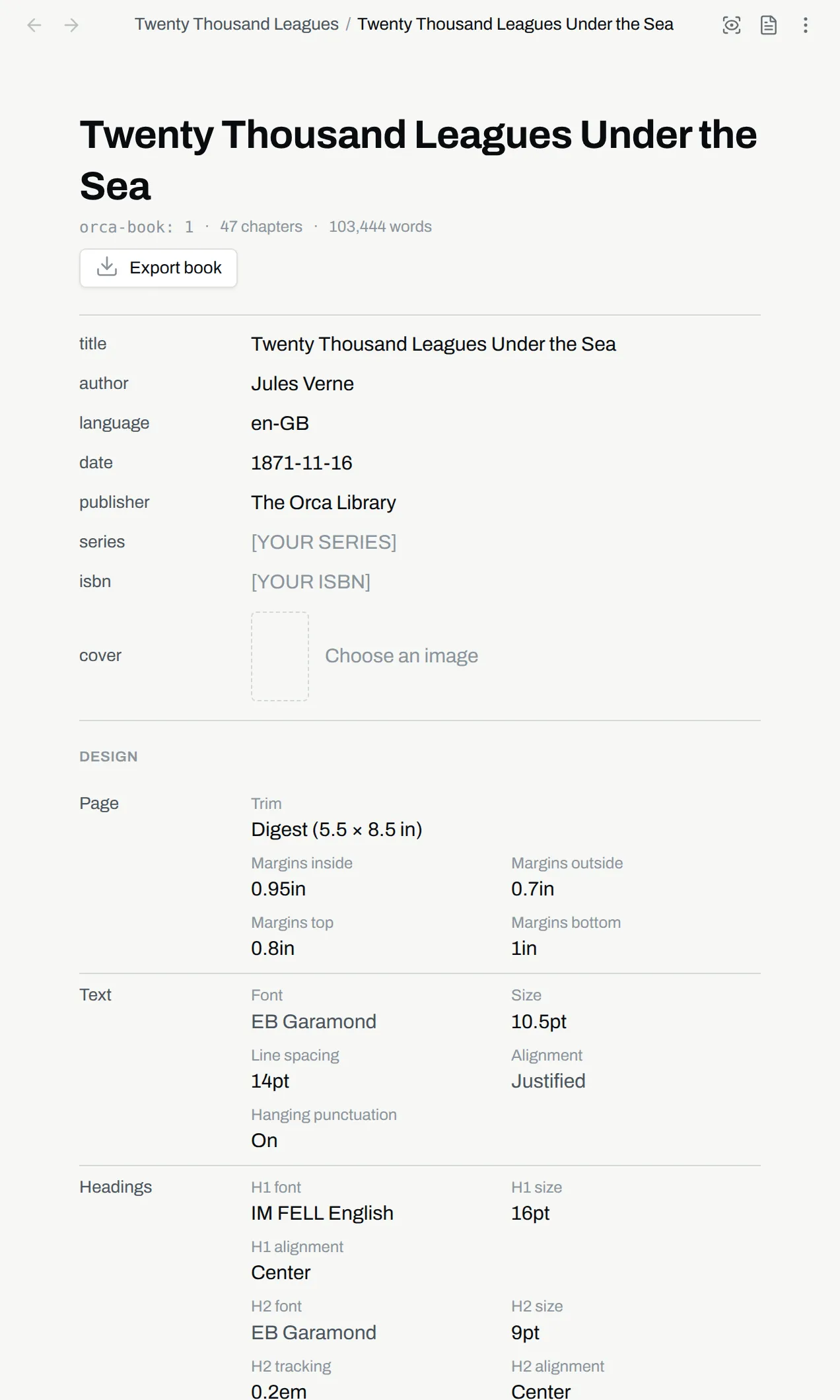
A full book note
Section titled “A full book note”---
orca-book: 1
title: Twenty Thousand Leagues Under the Sea
author: Jules Verne
language: "en-GB"
fonts:
- Alegreya
trim: 5.5in 8.5in
body-font: EB Garamond
body-size: 10.5pt
chapter-drop-cap: 3
header-left-page: author
header-right-page: chapter-title
---
# Front matter
- `title-page`
- [[Copyright]] `copyright`
- `contents`
# Body
- [[Part One]] `part`
- [[A Shifting Reef]]
- [[Pro and Con]]
# Back matter
- [[A note on the text]] `matter`
```css
section.chapter h1 {
margin-bottom: 56pt;
}
```Frontmatter
Section titled “Frontmatter”The frontmatter starts with orca-book: 1. The keys after it are the details of the book:
| Key | Value |
|---|---|
title |
The title of the book |
author |
The author |
language |
A language tag, for example en-GB |
date |
The date of the book |
publisher |
The publisher |
series |
The series |
isbn |
The ISBN |
cover |
The image an EPUB shows as its cover, as a path in the vault or a link to the image |
identifier |
The name that tells this book from every other. Orca writes it and it stays the same |
The fonts key holds the fonts that the Fonts group of the design panel adds, one name per item, so that custom CSS can use them. Fonts shows how to add one.
The navigator-headings key holds the deepest heading level that the navigator lists for this book. A value from 1 to 6 is a level, and 0 hides the headings. A note without the key uses the Headings in the navigator setting.
The frontmatter also stores the design keys. A full description of all supported design keys can be found here.
Reading order
Section titled “Reading order”The body of the note is the reading order. A list item is one entry. An entry links to a note. An entry can also have a role, in backticks after the link. A role is the kind of entry, for example copyright or part.
- [[Copyright]] `copyright`
- [[Part One]] `part`
- [[A Shifting Reef]]
An entry with no role is a chapter. An entry with a generated role needs no link, because orca makes the text of that entry.
- `title-page`
- `contents`
Sections
Section titled “Sections”A heading starts a section, for example # Front matter or # Body. Sections group the entries in the navigator. They do not change the typeset book. The role of an entry sets how orca typesets it, in any section.
| Role | Name | Text | Effect |
|---|---|---|---|
title-page |
Title page | Generated | Generated from the book’s details. A linked note is not set. |
copyright |
Copyright | From a note | Small type at the foot of the page. |
dedication |
Dedication | From a note | Centered, down the page. |
epigraph |
Epigraph | From a note | Narrow, with the last paragraph set right. |
contents |
Contents | Generated | Generated from the reading order. A linked note is not set. |
matter |
Matter | From a note | Front or back matter: prose that is not a chapter. |
part |
Part | From a note | A title page for a group of chapters. |
chapter |
Chapter | From a note | The default role, with the chapter opening. |
The first part or chapter of the book is page 1. The pages before it are numbered in lower-case roman, for example iii. The position of an entry decides this, not its role.
The contents lists each part, chapter and matter entry.
Any other name is a role of your own, for example [[Prologue]] `prologue`. Orca sets the entry like matter, with the name as its class.
Roles shows how to use them.
Book CSS
Section titled “Book CSS”A css code block in the note contains custom CSS for advanced overrides. The CSS view of the design panel edits this block. The fleuron CSS subset lists the CSS that Orca supports. Custom CSS shows how to write it.
section.chapter h1 {
  margin-bottom: 56pt;
}