Headers & page numbers
A header is the line of text at the top of a page, such as the book title or the chapter title. The Headers & page numbers group in the design panel sets the headers and the page numbers.
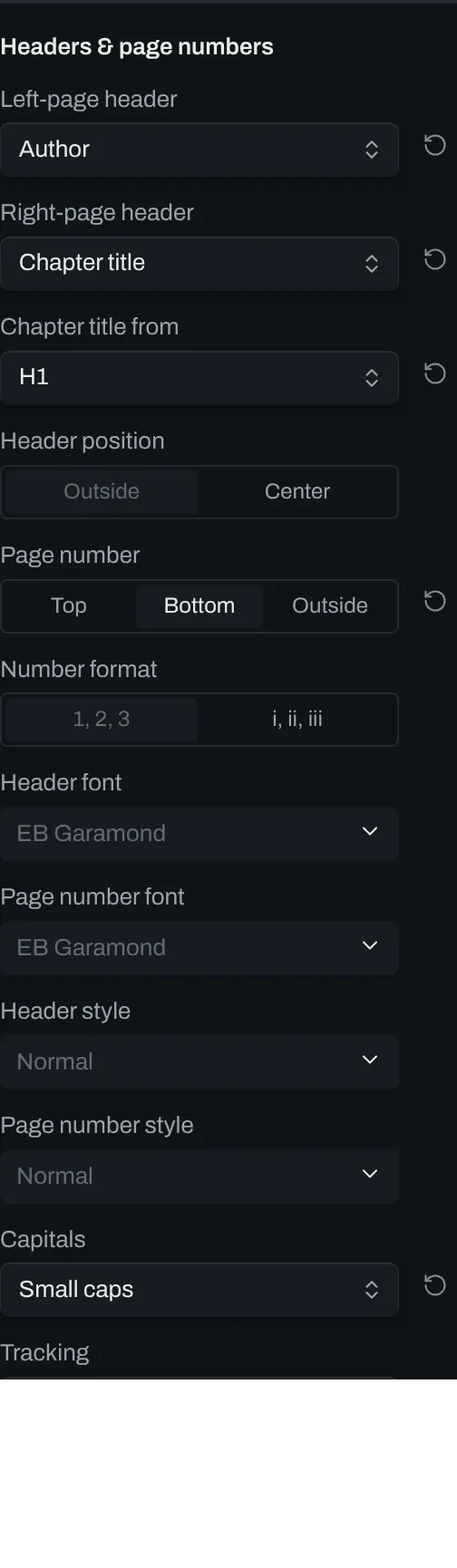
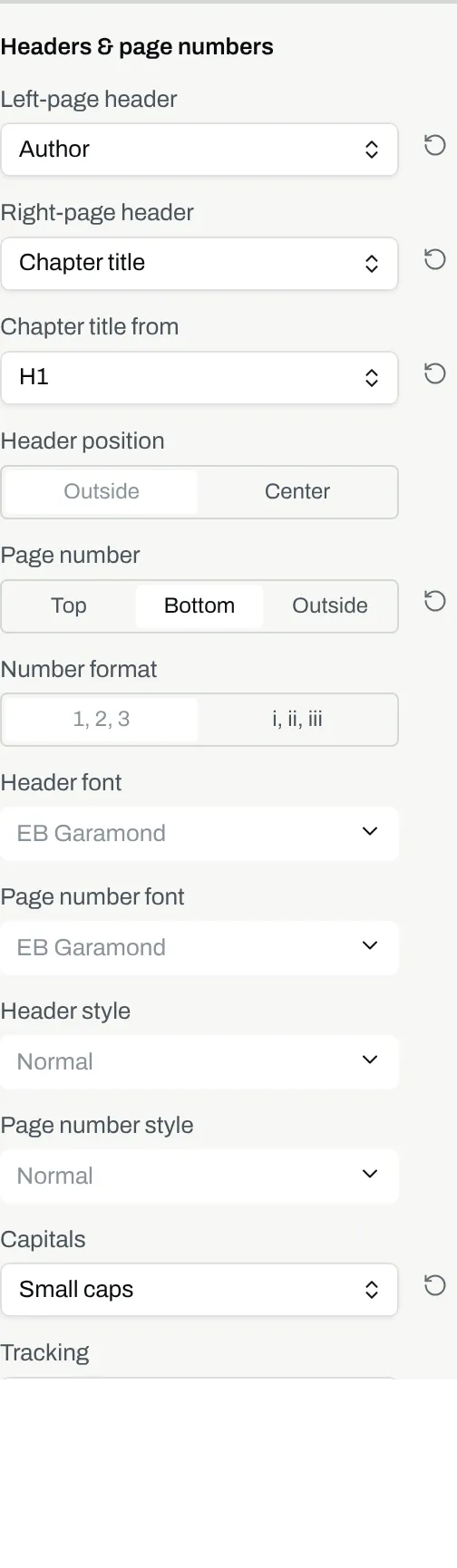
Controls
Section titled “Controls”| # | Control | Default | Key |
|---|---|---|---|
| 1 | Left-page header | Nothing |
header-left-page |
| 2 | Right-page header | Nothing |
header-right-page |
| 3 | Chapter title from | First heading |
chapter-title-from |
| 4 | Header position | Outside |
header-position |
| 5 | Page number | Bottom |
page-number-position |
| 6 | Number format | 1, 2, 3 |
page-number-format |
| 7 | Header font | EB Garamond |
header-font |
| 8 | Page number font | EB Garamond |
folio-font |
| 9 | Header style | Normal |
header-style |
| 10 | Page number style | Normal |
folio-style |
| 11 | Capitals | Normal |
header-caps |
| 12 | Tracking | None |
header-letter-spacing |
| 13 | Hide the header and page number on the first page of each chapter | on | suppress-head-on-openings |
The chapter title
Section titled “The chapter title”By default, a header set to Chapter title reads the section’s first heading, whatever level it is written at.
The Chapter title from option picks the level to read instead. A chapter with no heading at that level reads its first heading instead.
Fonts and styles
Section titled “Fonts and styles”Unless you pick a font, the headers and the page numbers use the font from the Text group.
Header style sets the weight and the slope of the headers, and Page number style sets them for the page number. The style options are Normal, Bold, Italic and Bold italic.
Capitals and tracking
Section titled “Capitals and tracking”These two controls set the page number as well as the headers.
Openings
Section titled “Openings”An opening is the first page of a chapter.