orca

a book designer
inside obsidian.

Each chapter is a Markdown note. One book note stores the book details and the design. Preview the typeset book and export it to PDF, all without leaving Obsidian.
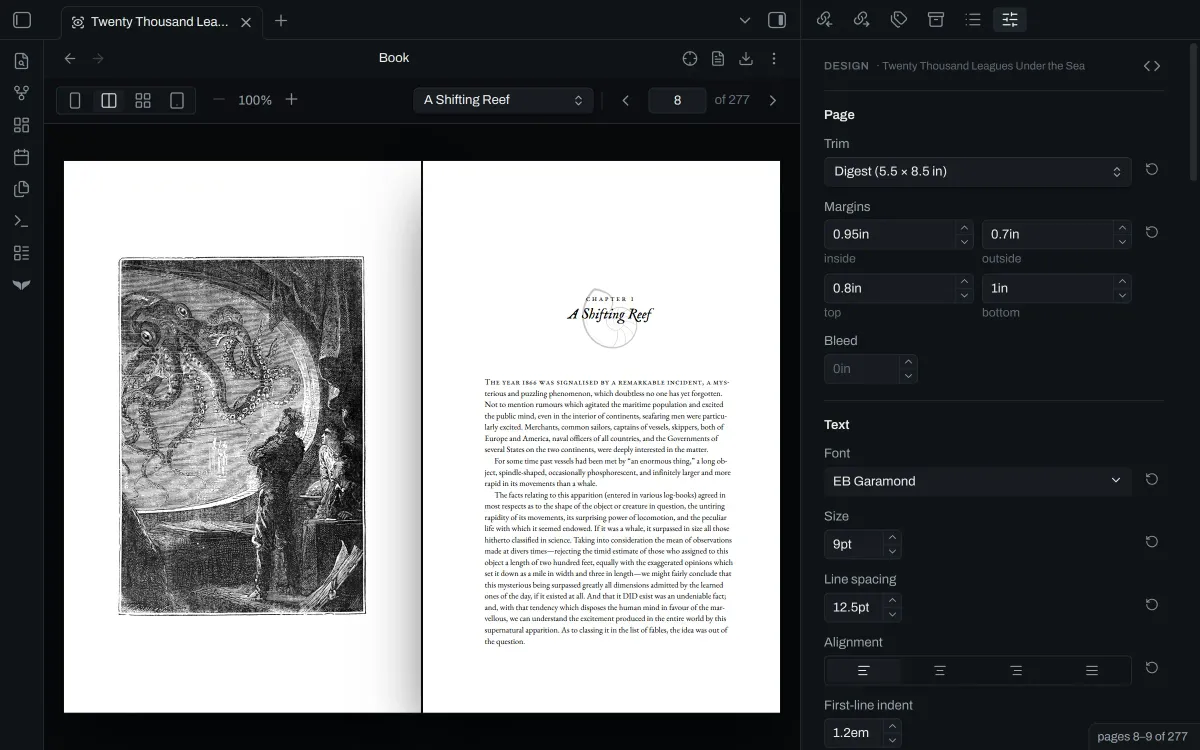
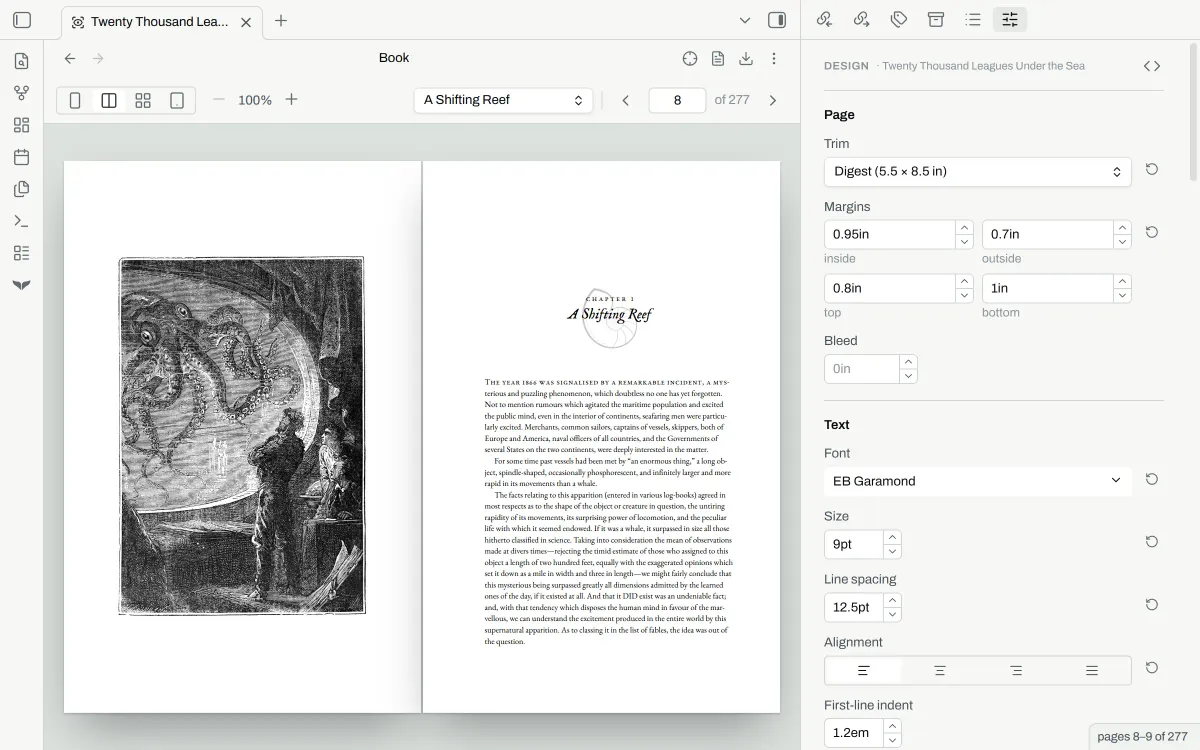
Orca in Obsidian: a spread of the typeset book, with the design panel beside it.Orca in Obsidian: a spread of the typeset book, with the design panel beside it.
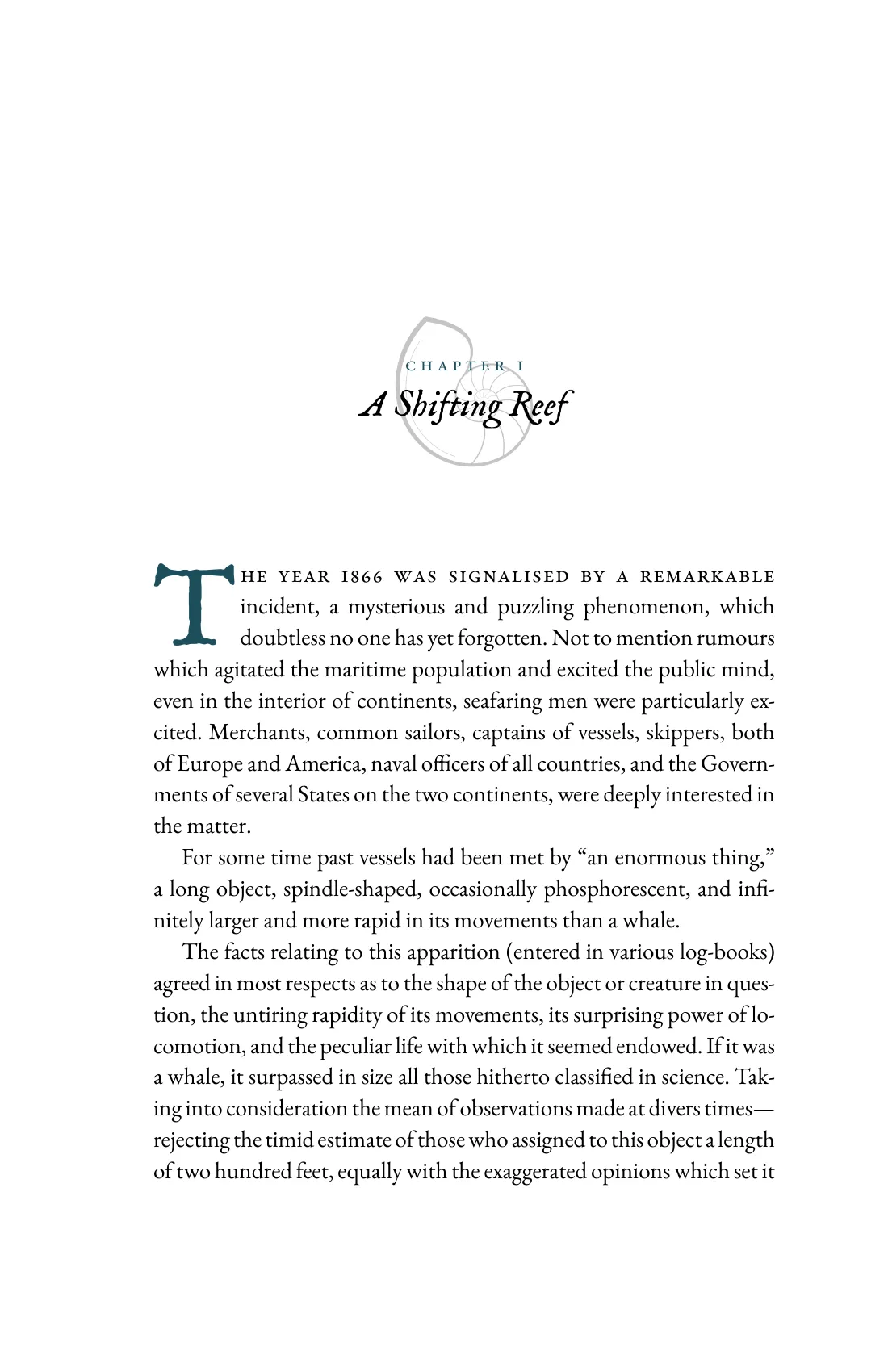
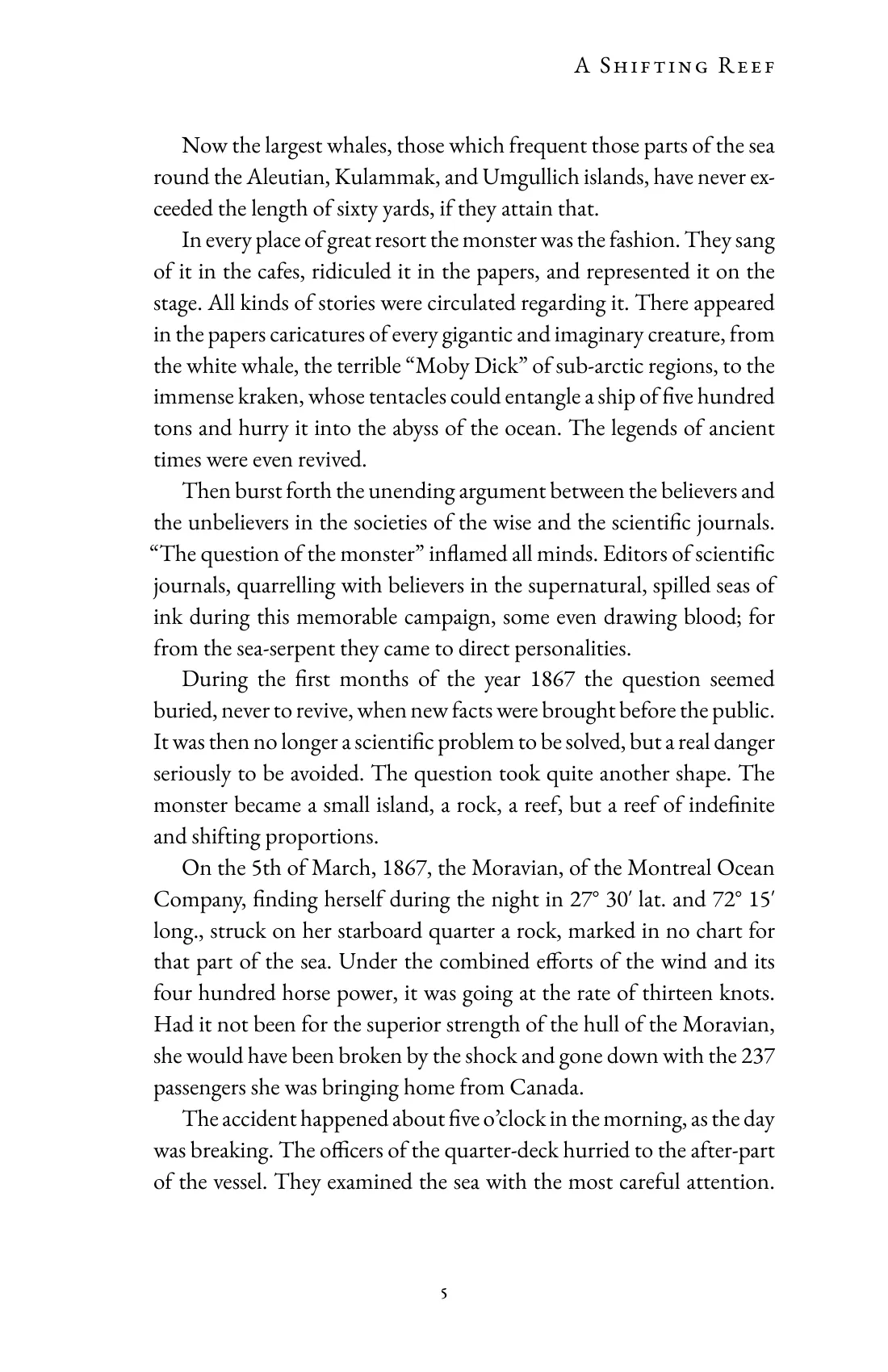
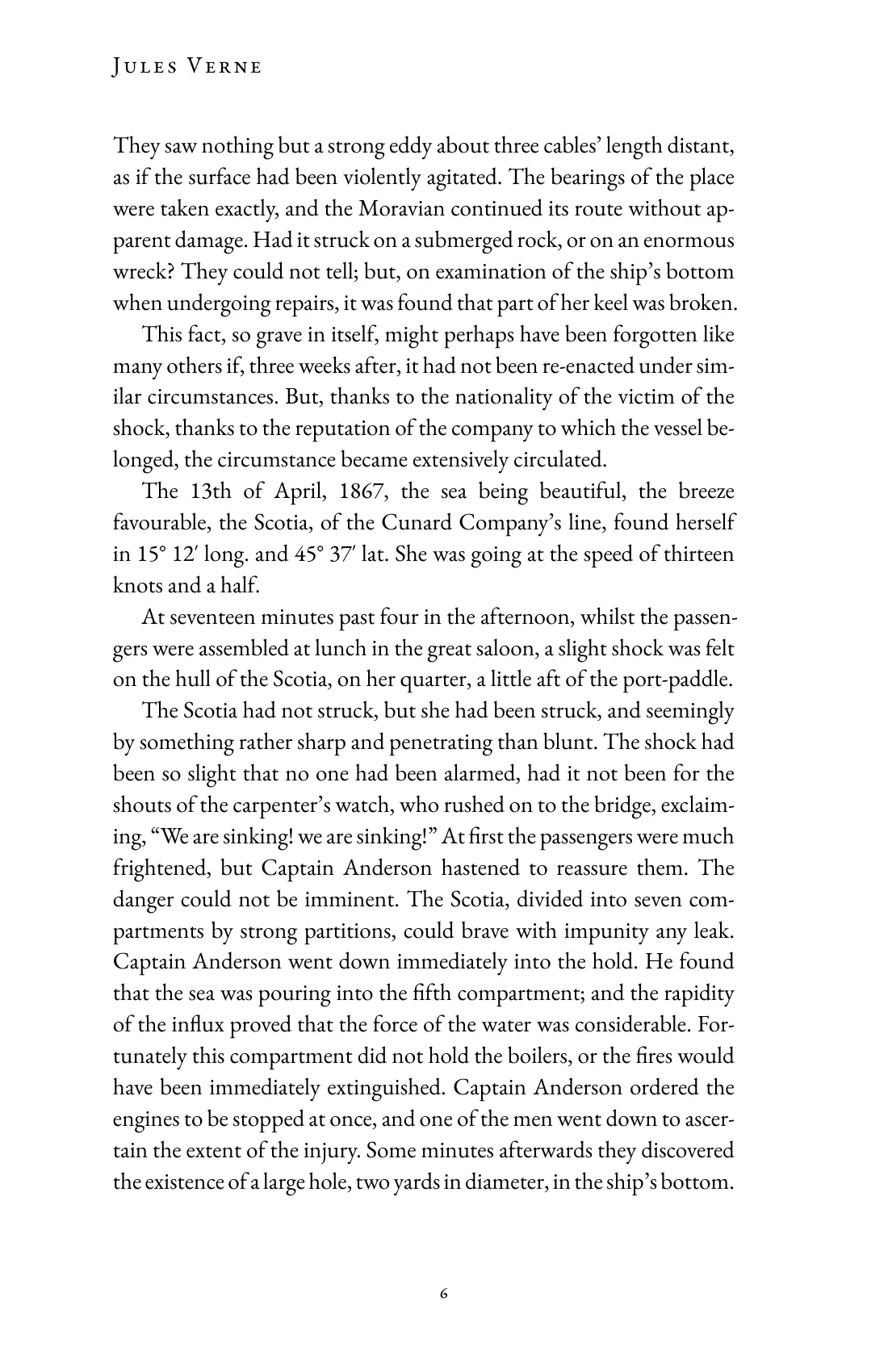
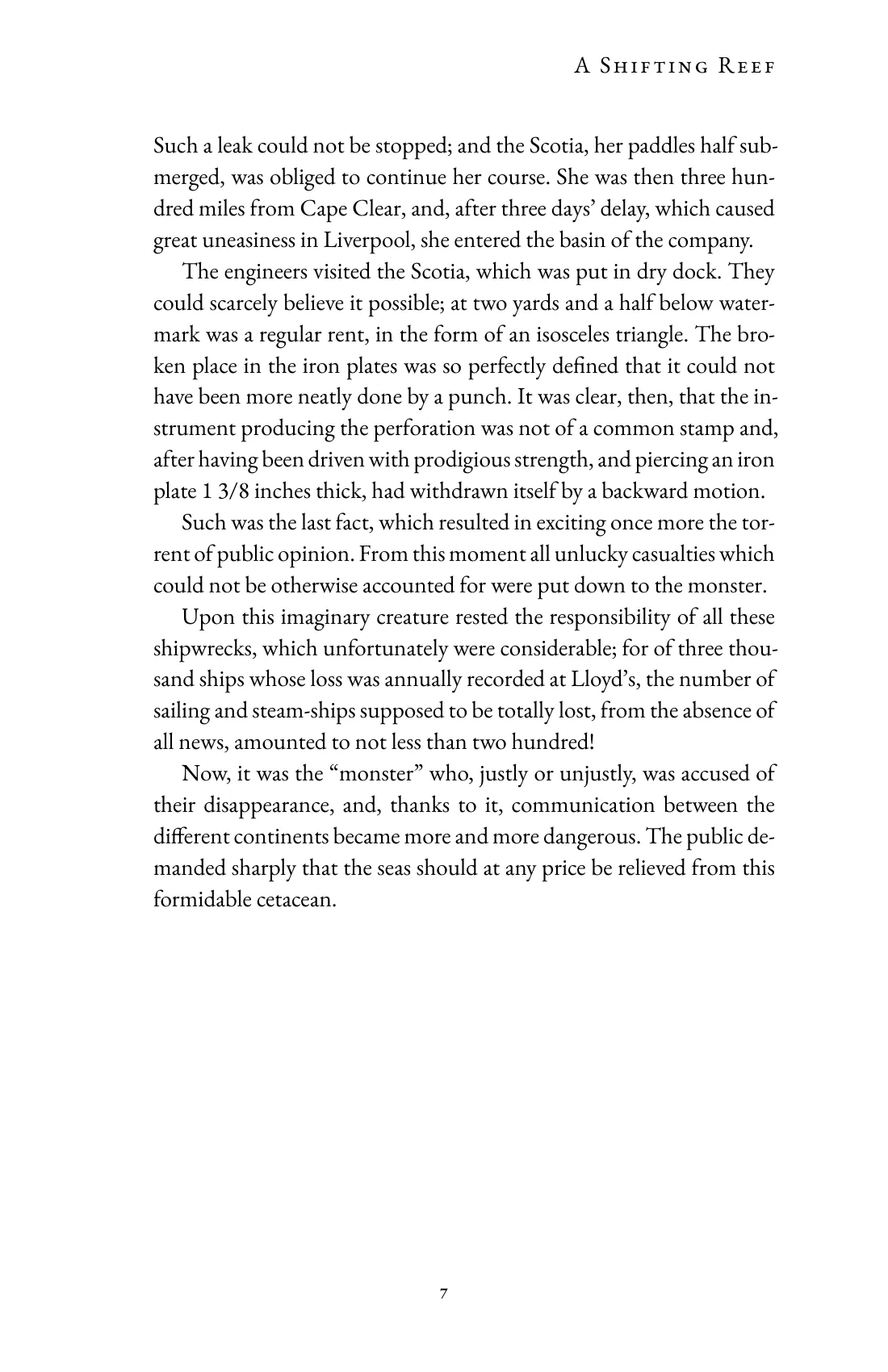
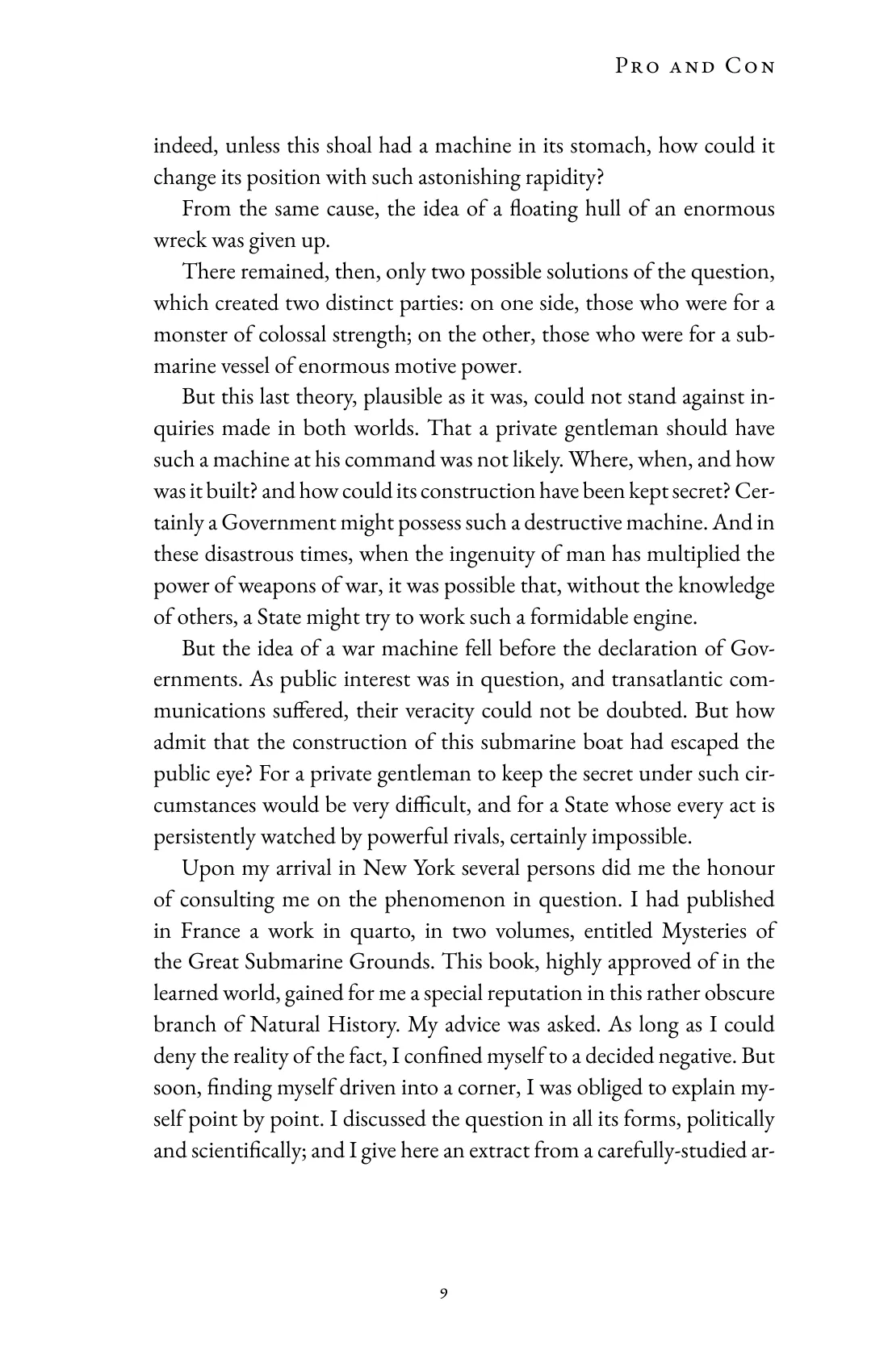
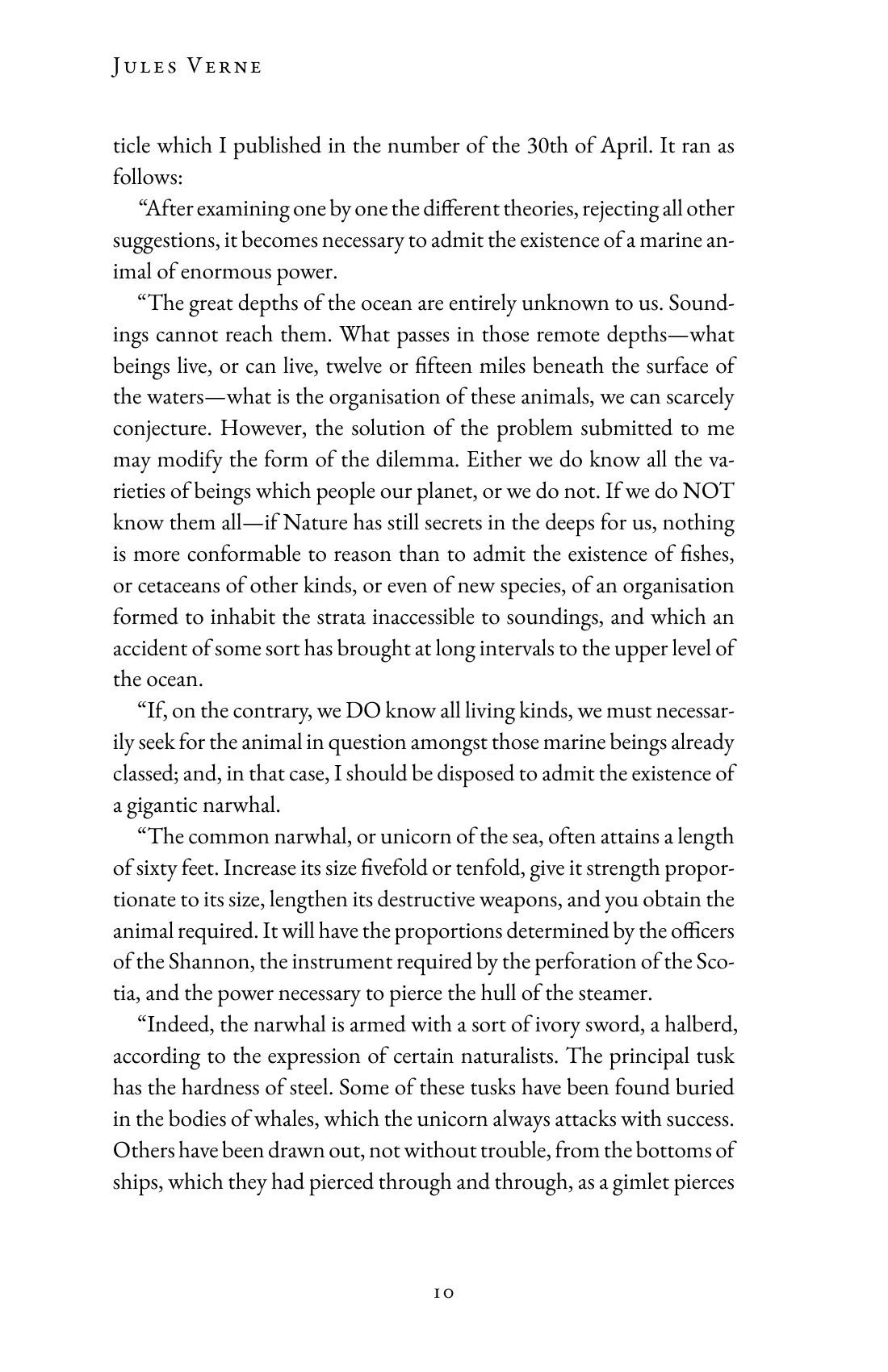
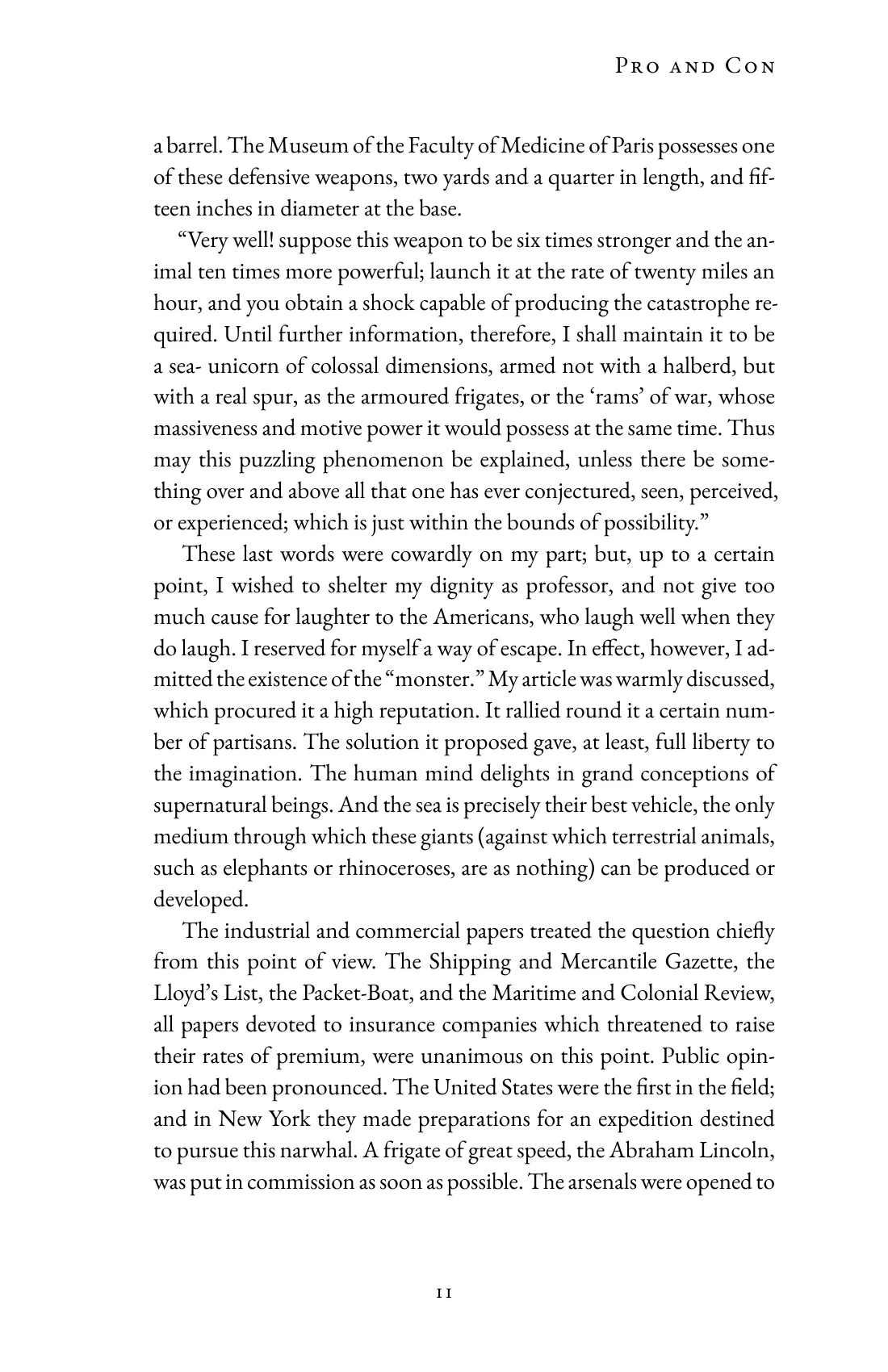
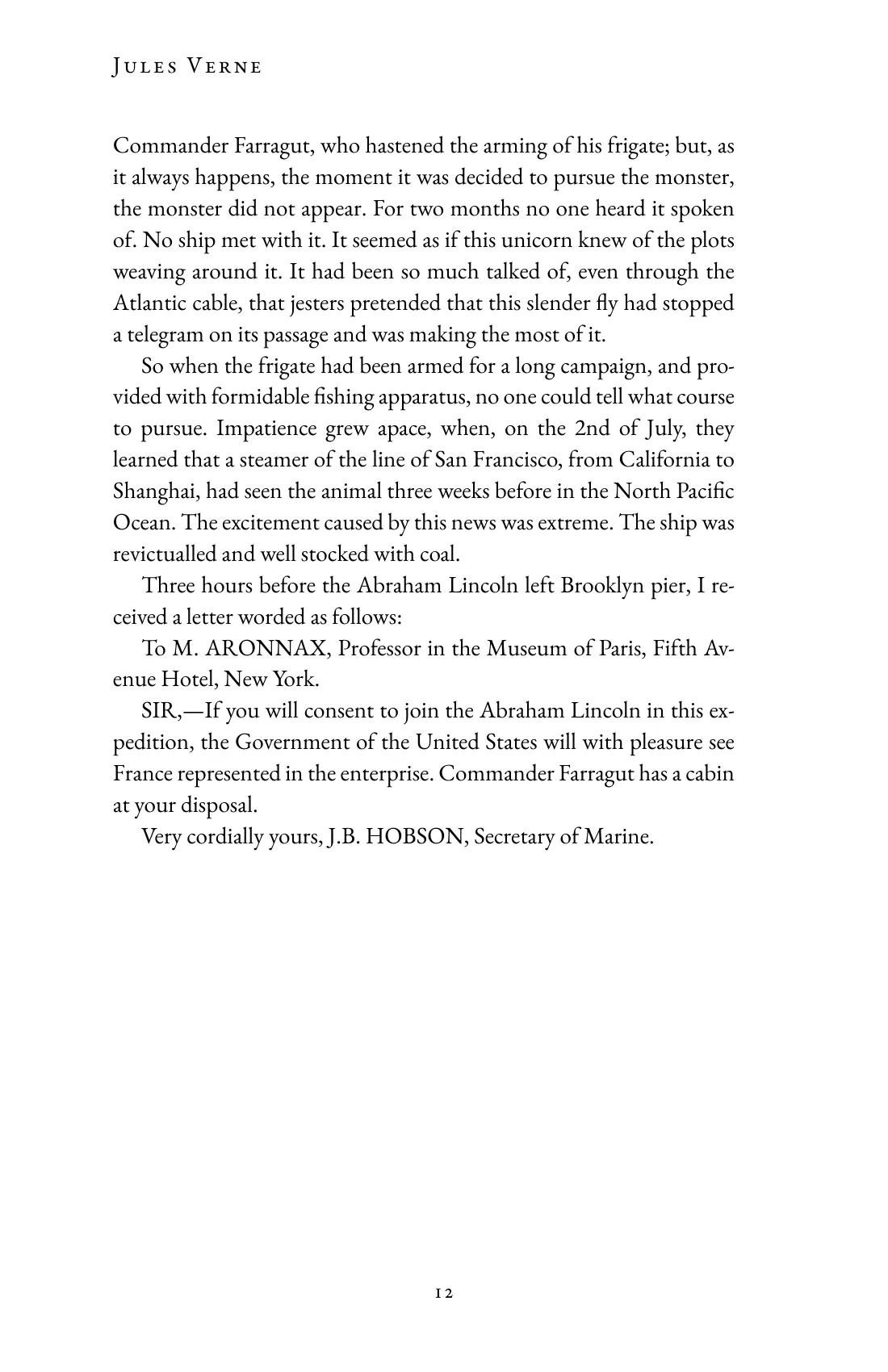
Jules Verne, Twenty Thousand Leagues Under the Sea. Chapter I, A Shifting Reef.

Chapters are notes

The book note lists the chapters in reading order, as links. Its properties are the title, the author, the other metadata and the design.
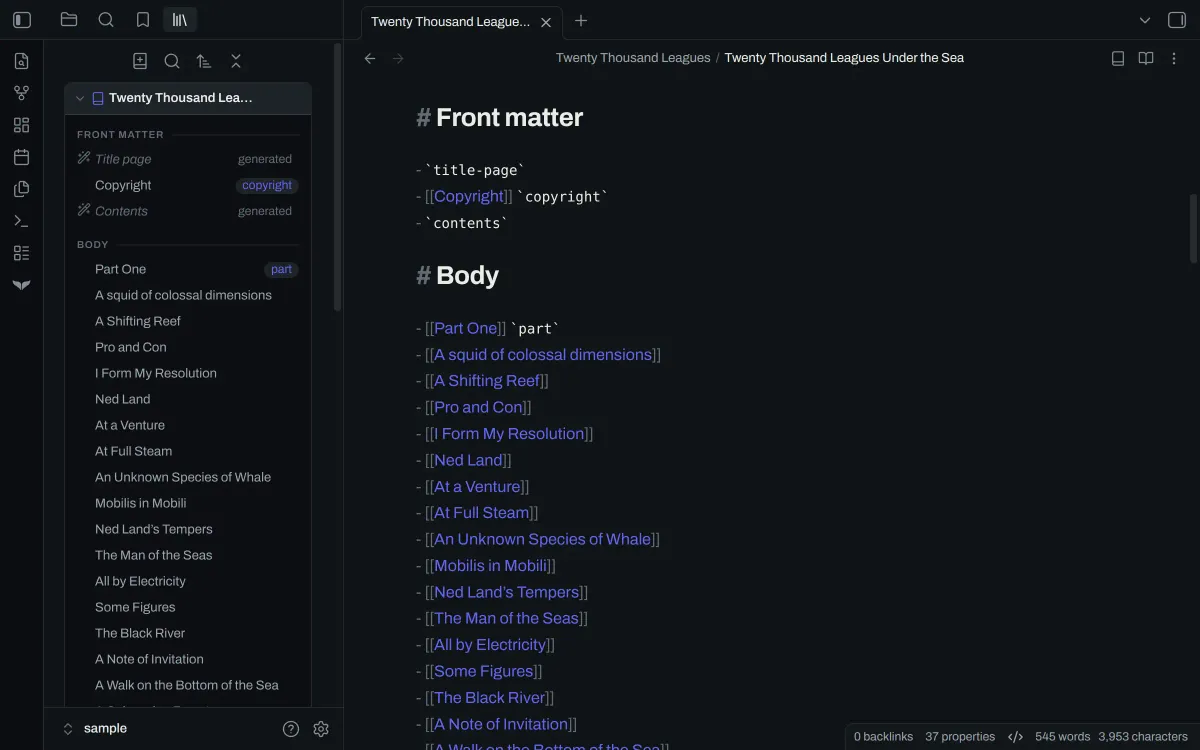
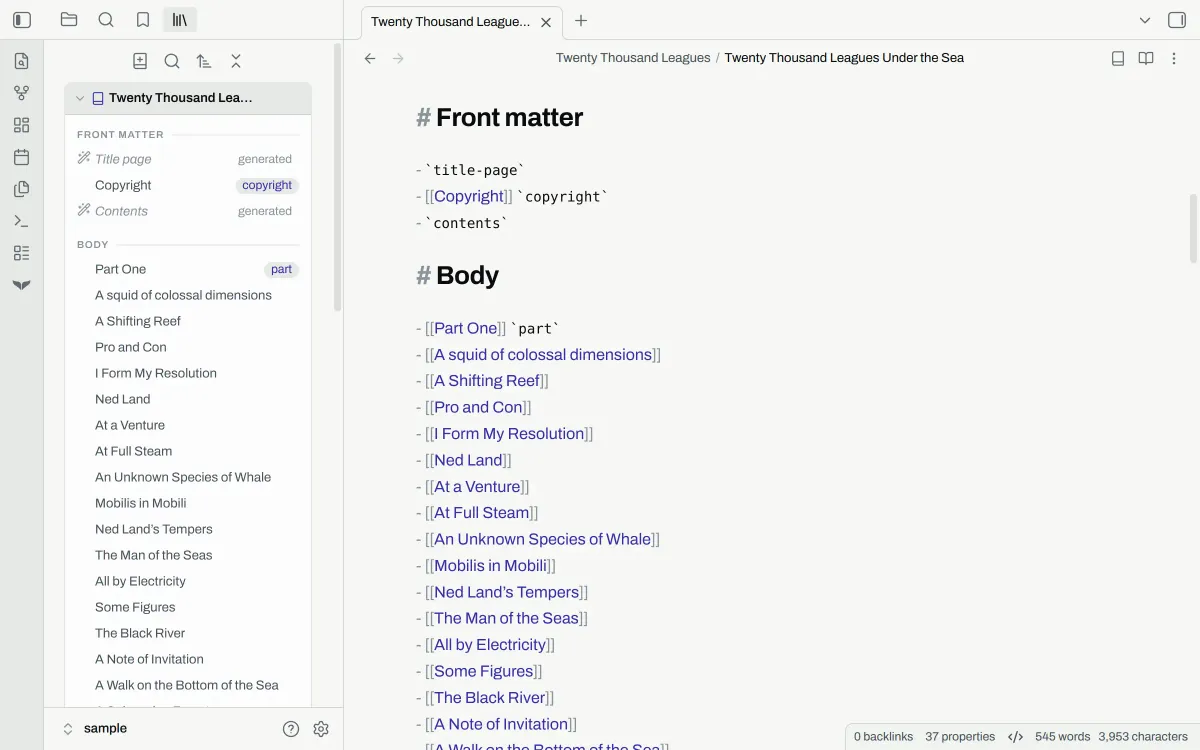
The book note in Obsidian as Markdown: each chapter of the book is a link in a list, beside Orca's navigator.The book note in Obsidian as Markdown: each chapter of the book is a link in a list, beside Orca's navigator.

Write, then format

Write chapters in Markdown. Switch the pane to the preview to see the typeset book, open at the page you are writing.
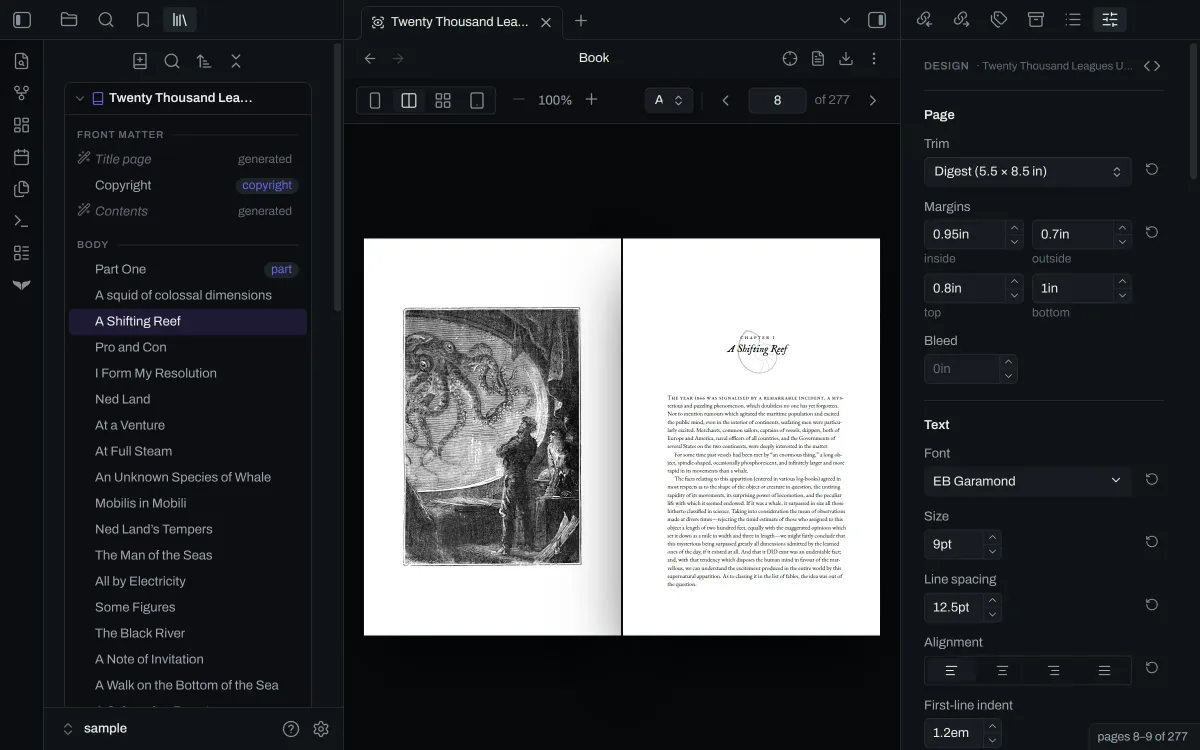
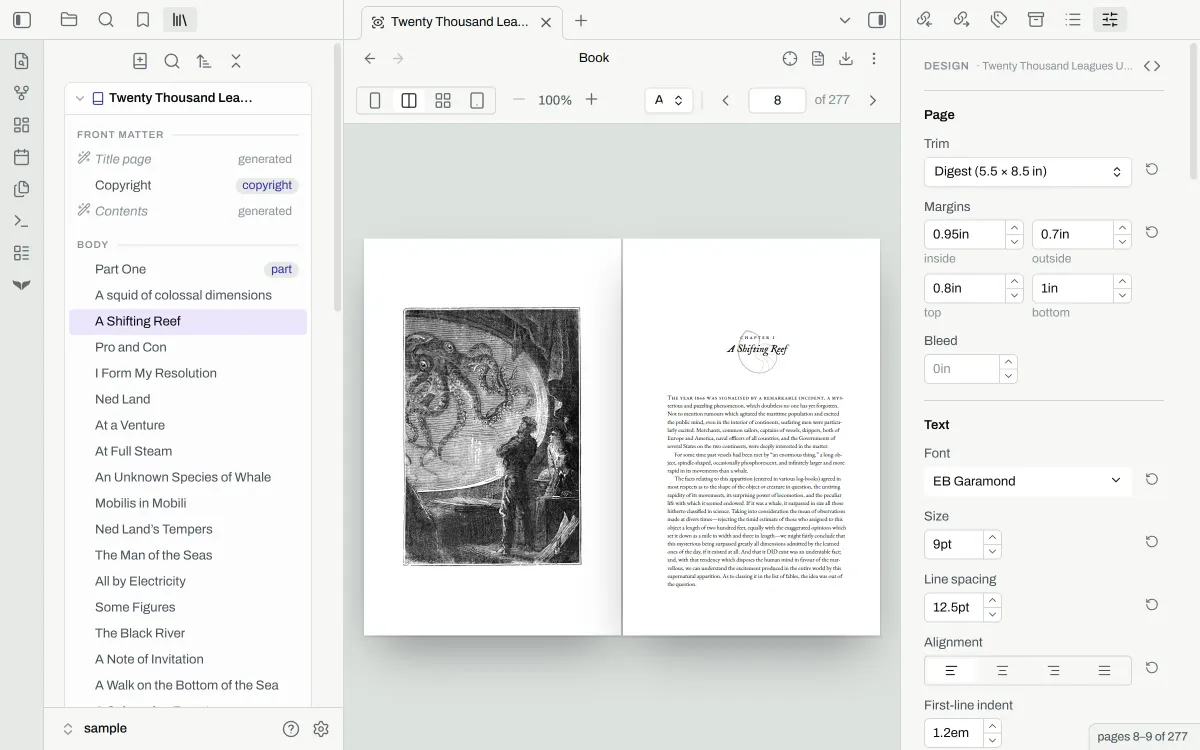
The typeset book in the pane the chapter was written in, with the design panel beside it.The typeset book in the pane the chapter was written in, with the design panel beside it.

Design in the panel

The design panel has a control for the trim size, the margins, the type, the headings and more. The preview updates with each change. Your own CSS can take precedence, and overrides are shown in the panel.
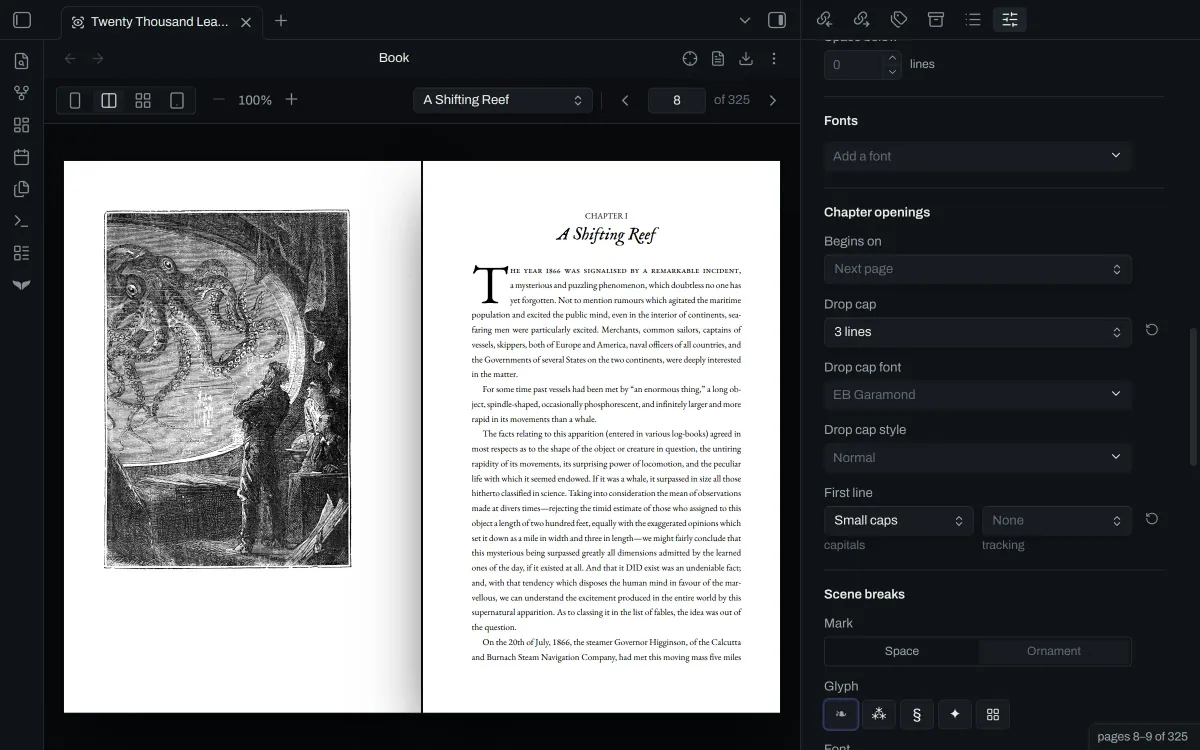
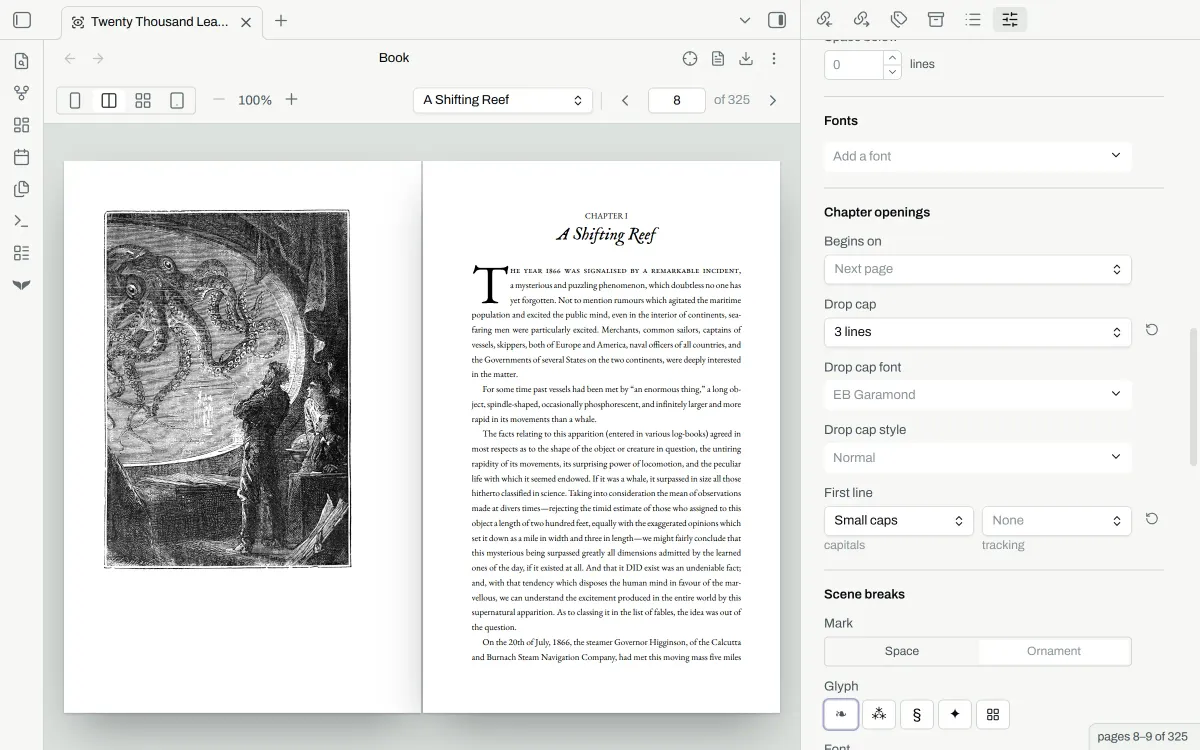
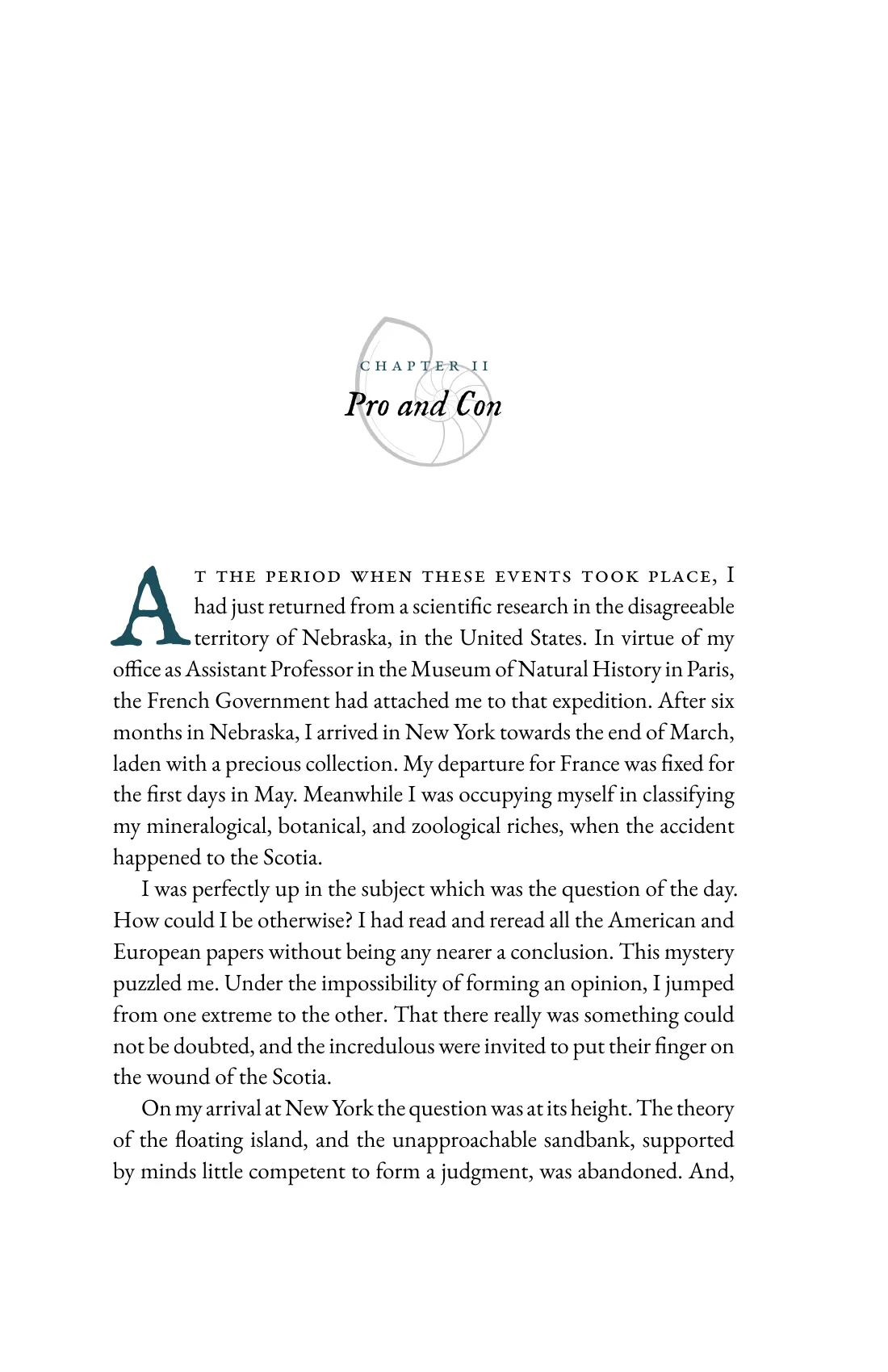
Orca's design panel beside the opening of Chapter I, set with a centred title, a drop cap and a first line in small capitals.Orca's design panel beside the opening of Chapter I, set with a centred title, a drop cap and a first line in small capitals.

Advanced CSS styling

Orca styles the book with CSS. The design panel writes CSS for you, and you can add your own rules by writing CSS directly. Use inspect mode to examine elements, see the CSS that styles it, and which rules take effect.
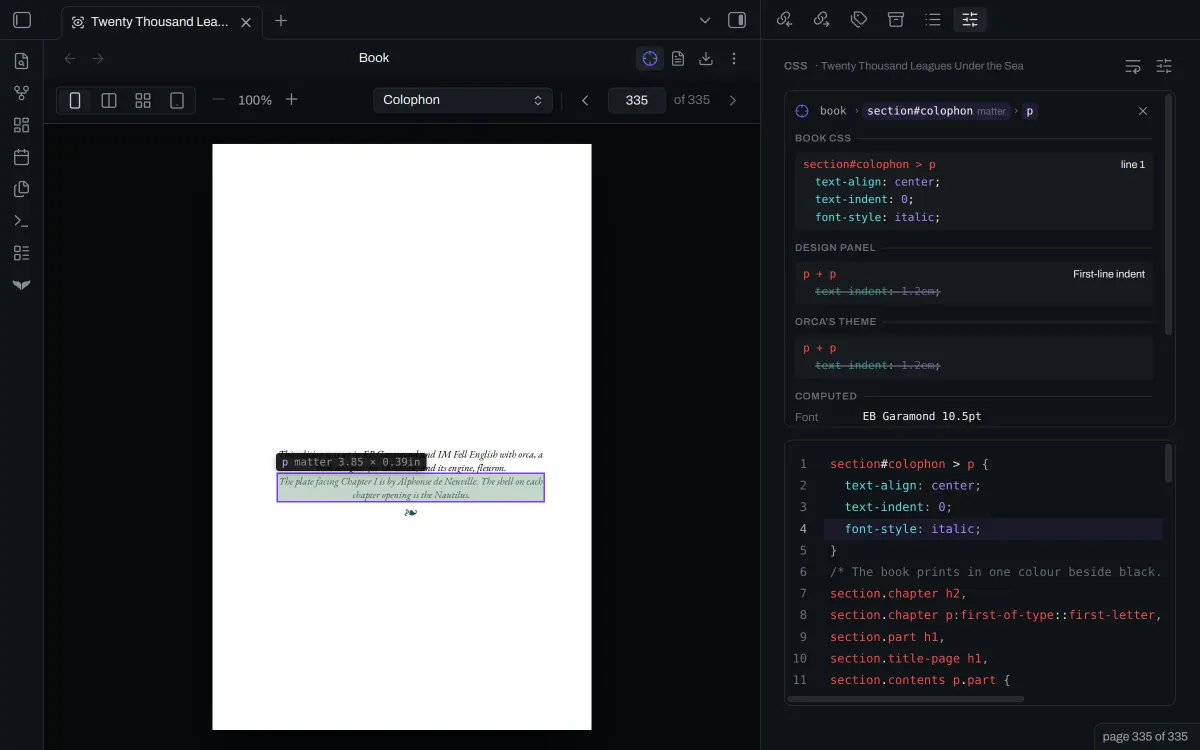
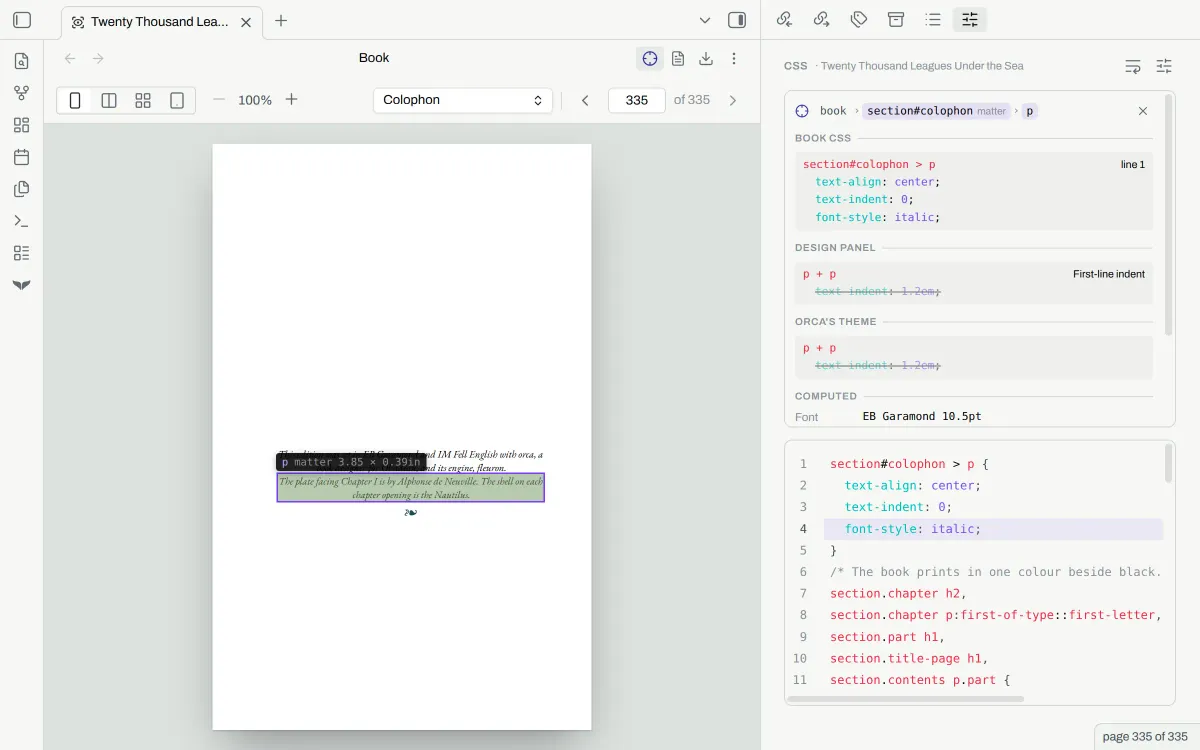
Orca in Obsidian with inspect mode on: the colophon set as a centred italic block, and the panel listing the rule that sets it above the book's CSS.Orca in Obsidian with inspect mode on: the colophon set as a centred italic block, and the panel listing the rule that sets it above the book's CSS.

Export for reading

Export PDFs and ePub files for distribution. Preflight shows warnings and errors before you export.
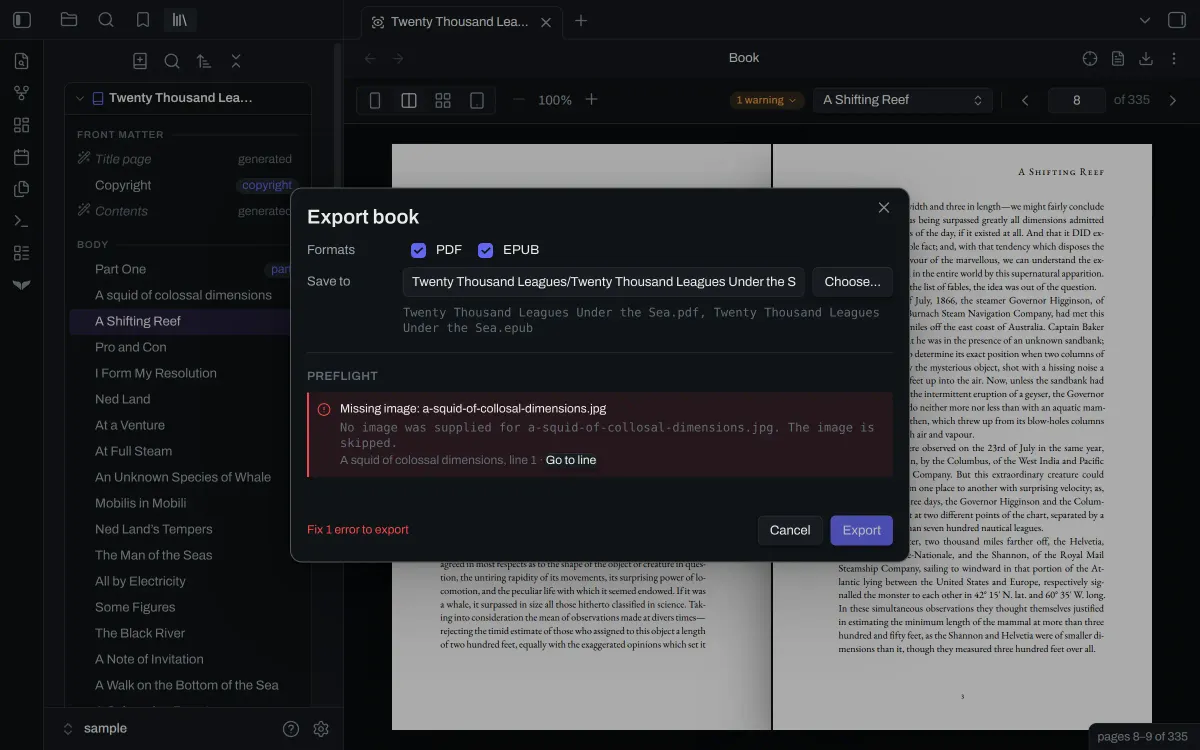
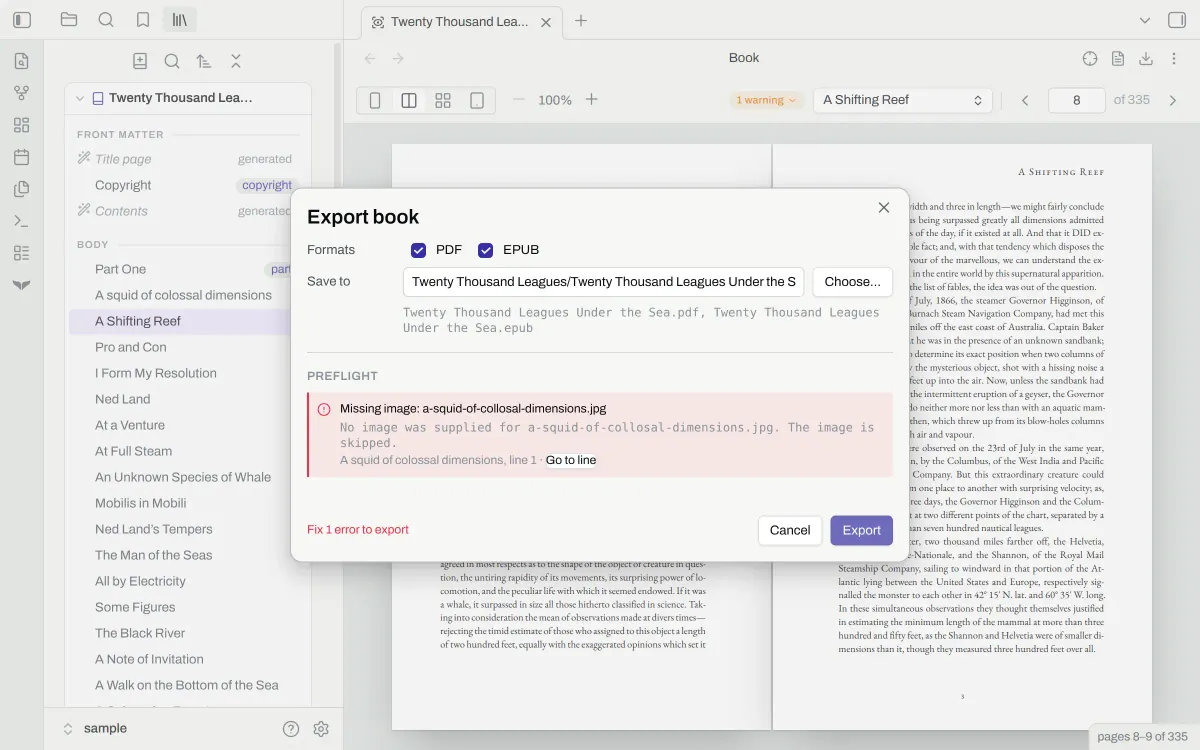
Orca's export dialog on the sample book: preflight names a missing image and the note it is in, and the Export button is disabled.Orca's export dialog on the sample book: preflight names a missing image and the note it is in, and the Export button is disabled.

On a phone and a tablet

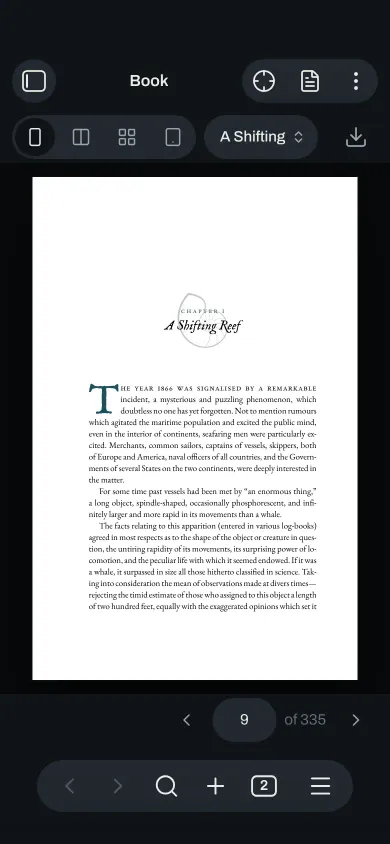
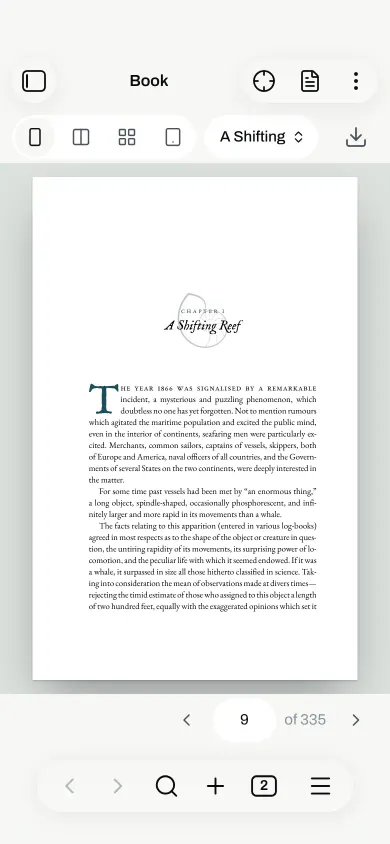
Orca is also compatible on phones and tablets. The interface adapts for touch and smaller screens.
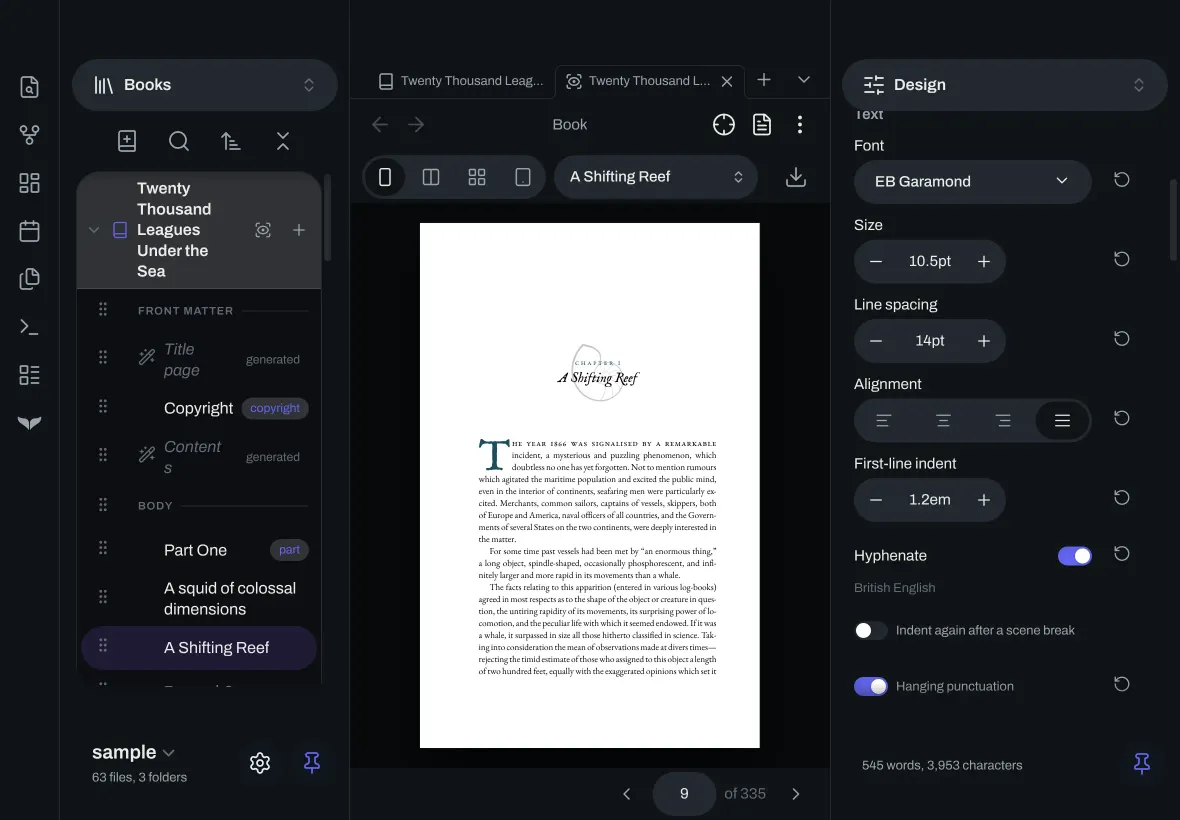
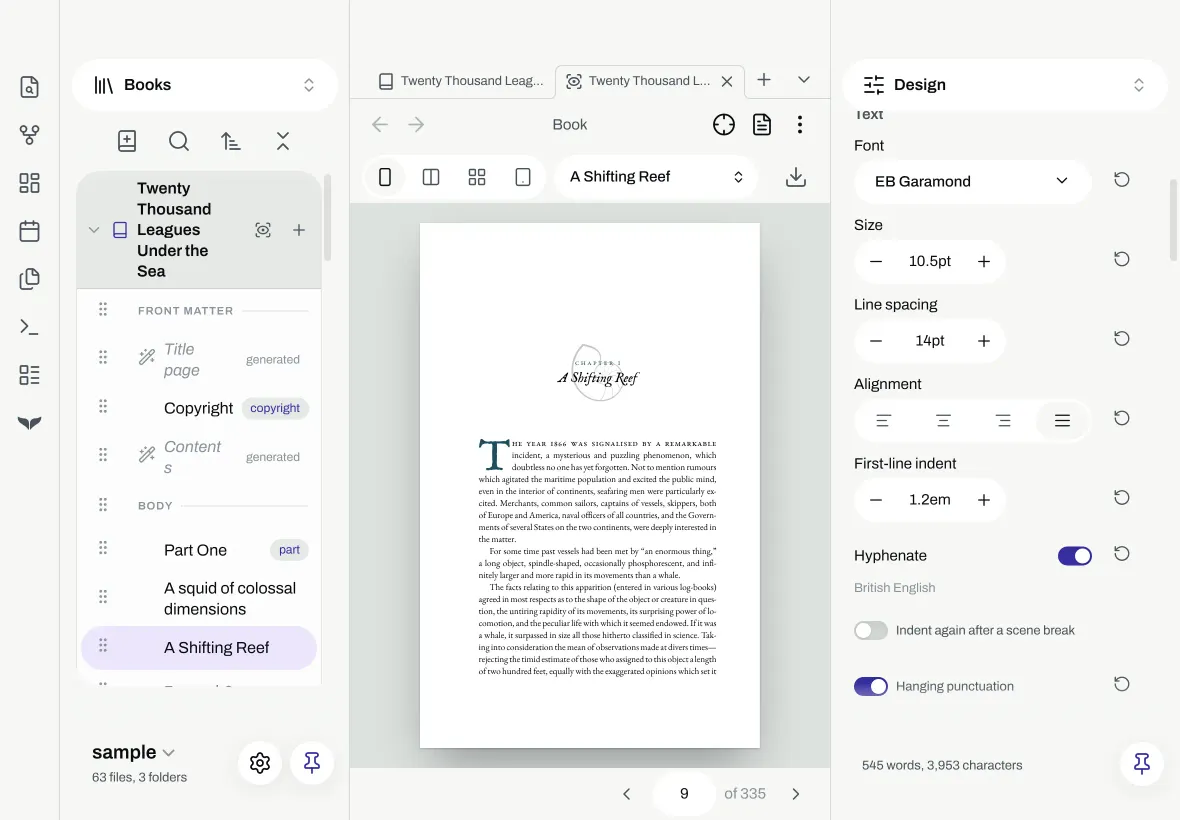
Orca in Obsidian on a tablet: the navigator and the design panel pinned on each side of the opening page of Chapter I.Orca in Obsidian on a tablet: the navigator and the design panel pinned on each side of the opening page of Chapter I.
Orca in Obsidian on a phone: the opening page of Chapter I in the preview, with the view buttons and Export above it.Orca in Obsidian on a phone: the opening page of Chapter I in the preview, with the view buttons and Export above it.

Turn the pages

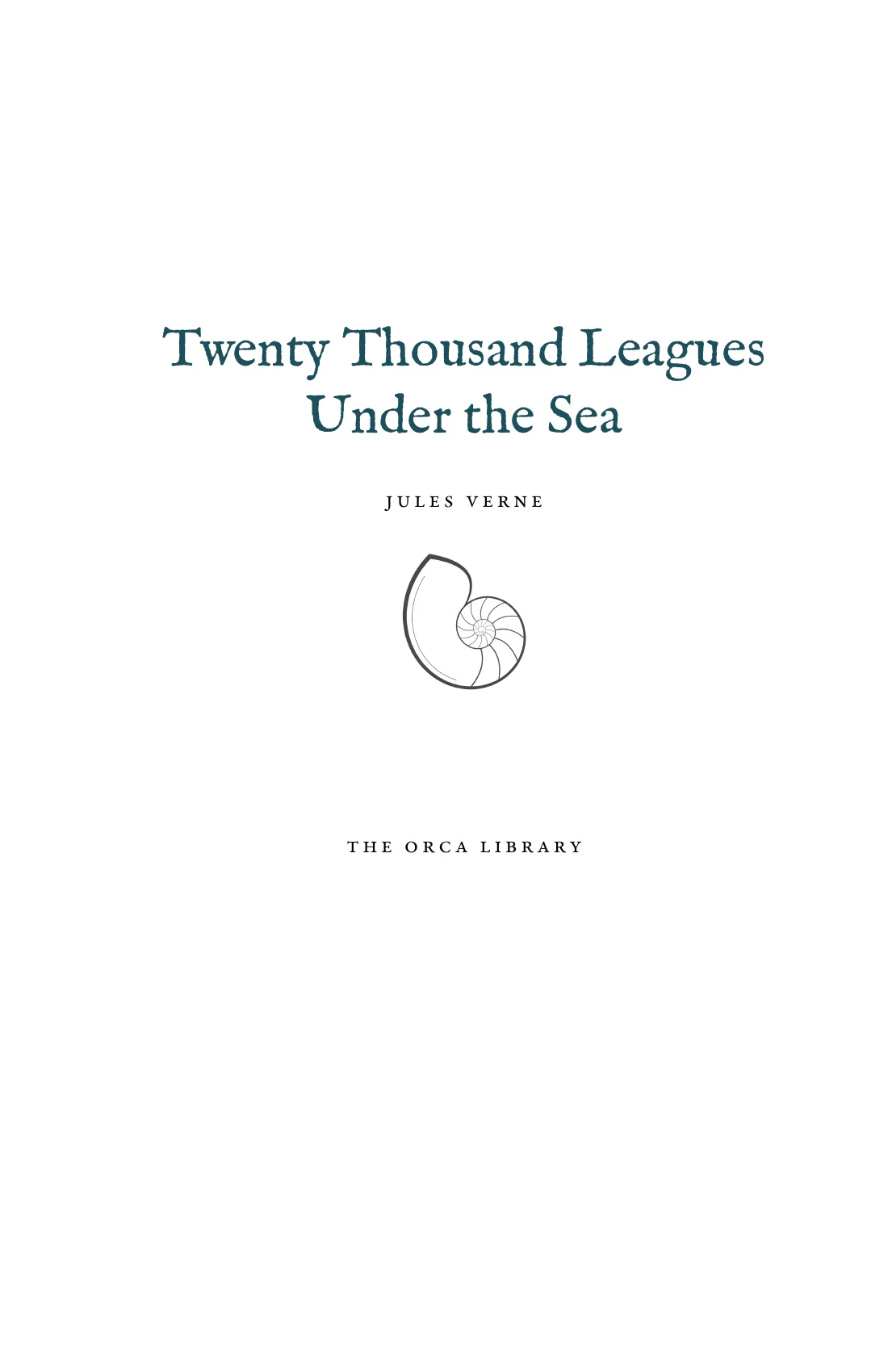
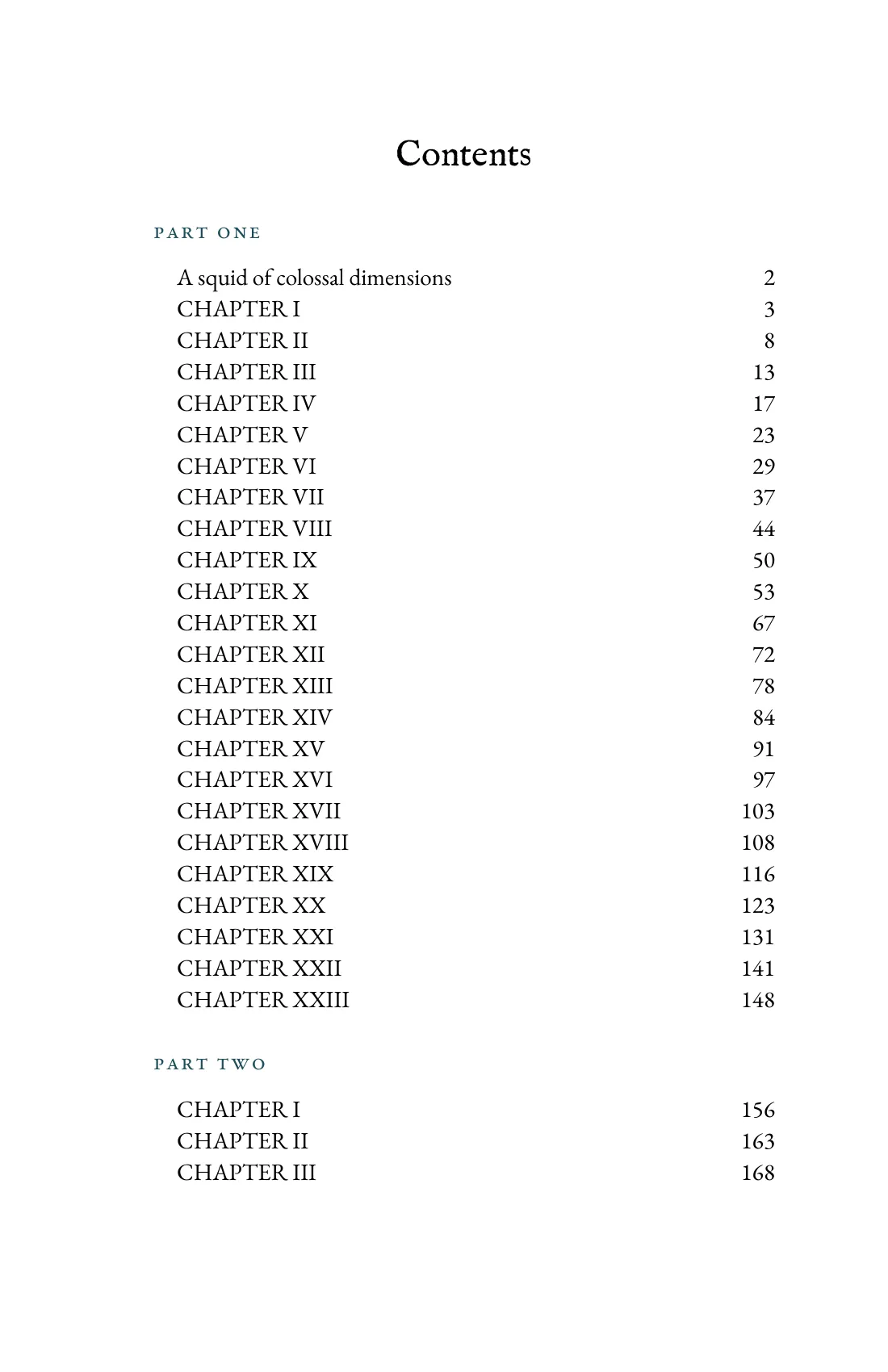
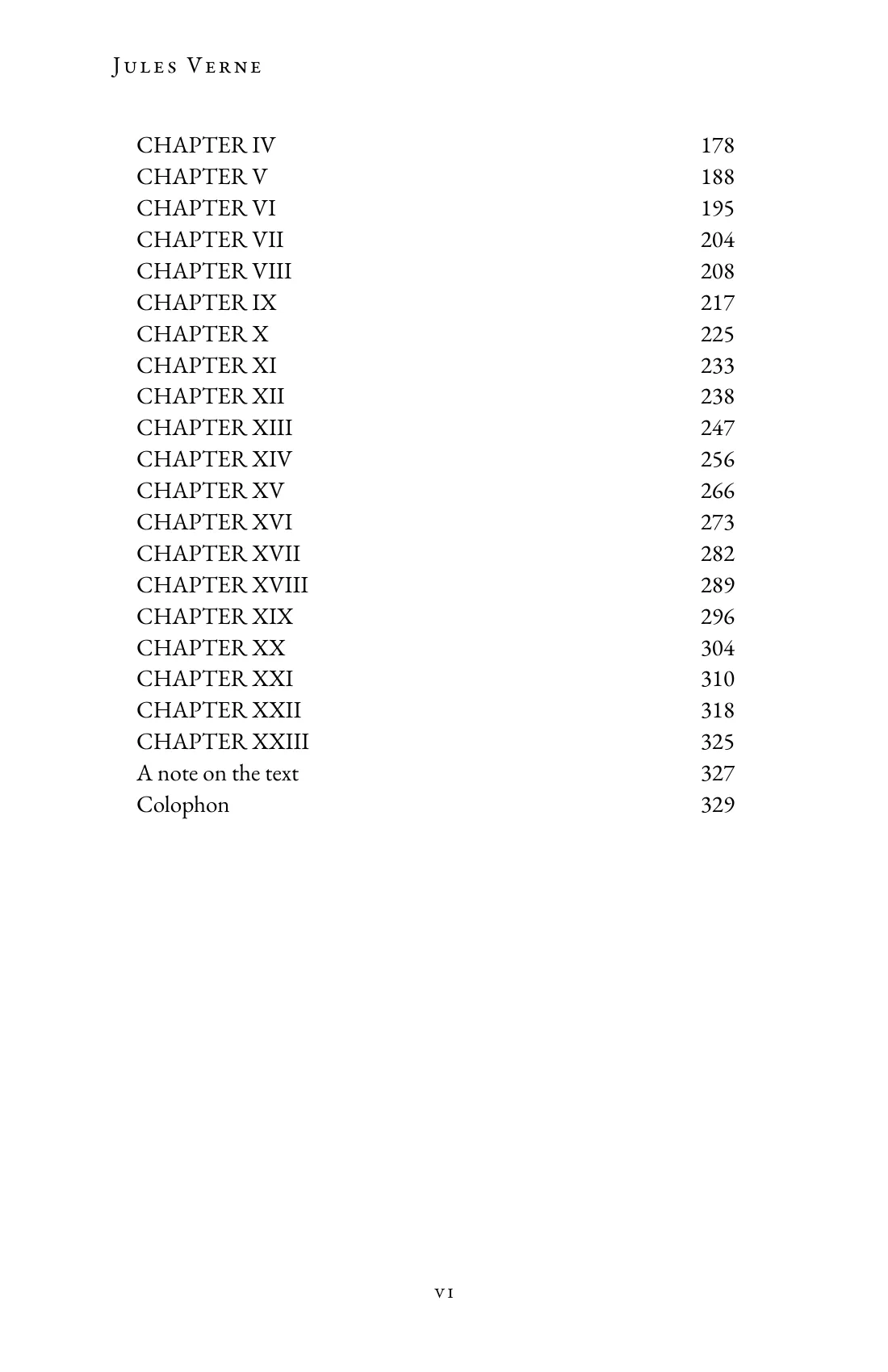
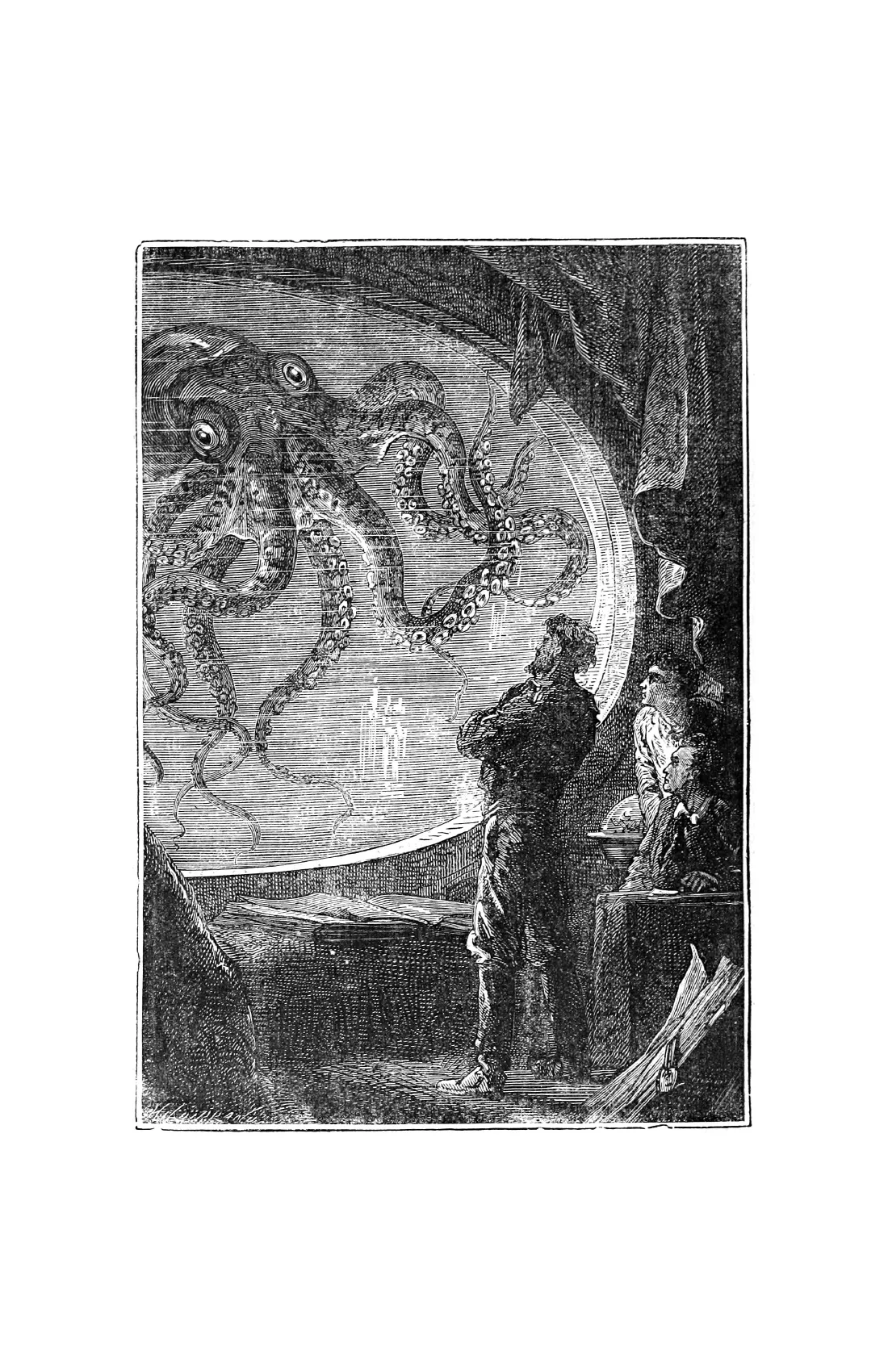
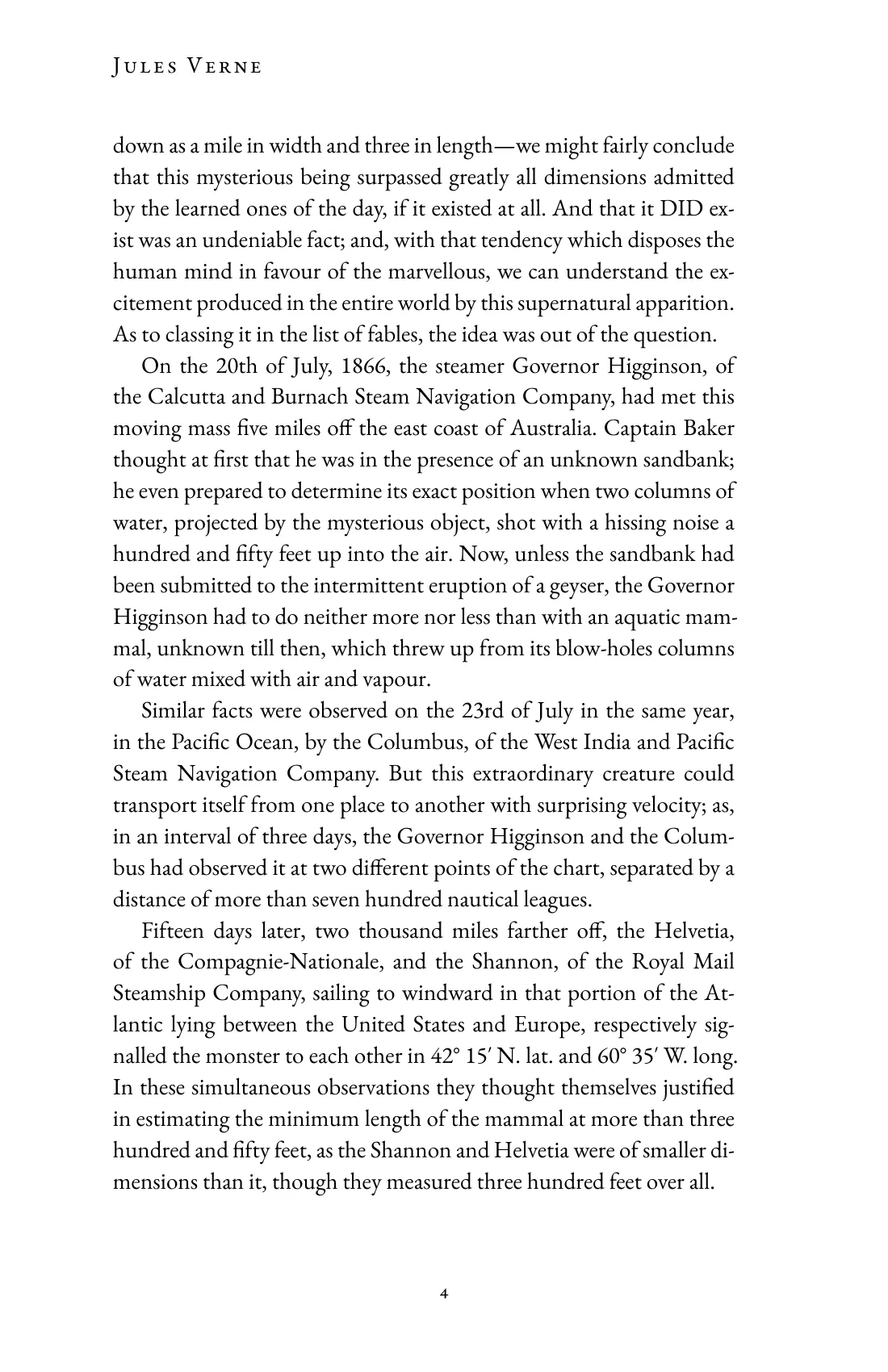
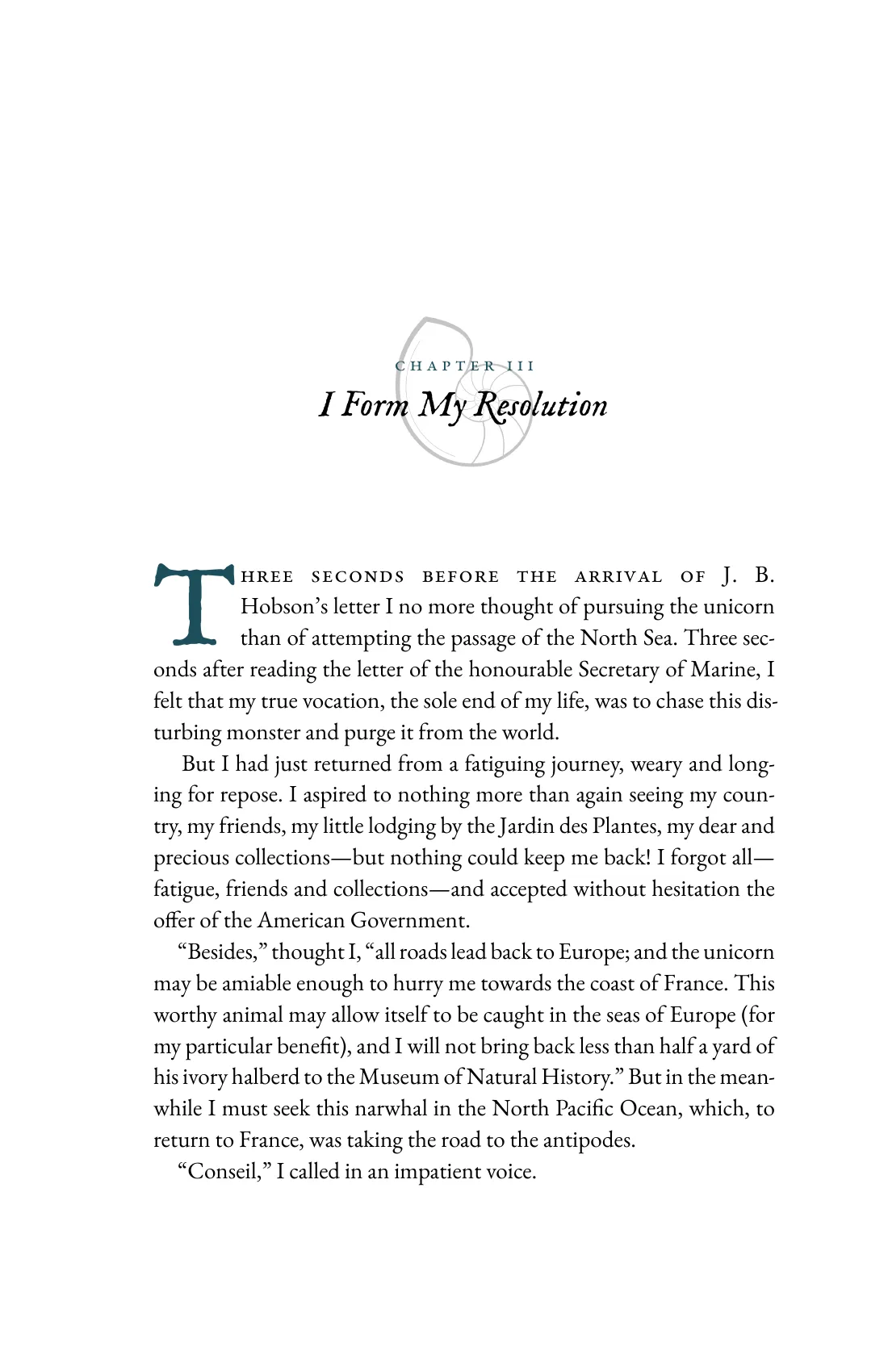
Twenty Thousand Leagues Under the Sea, set and exported with Orca.
Make your first book